CZ Book a demo

BookTheSport

Booking, payments, passes and check‑in in one system.

  • SimpleA court in a few taps, also on a phone.
  • FastBooked and paid in one go, QR at once.
  • SecureA secure payment gateway and GDPR.
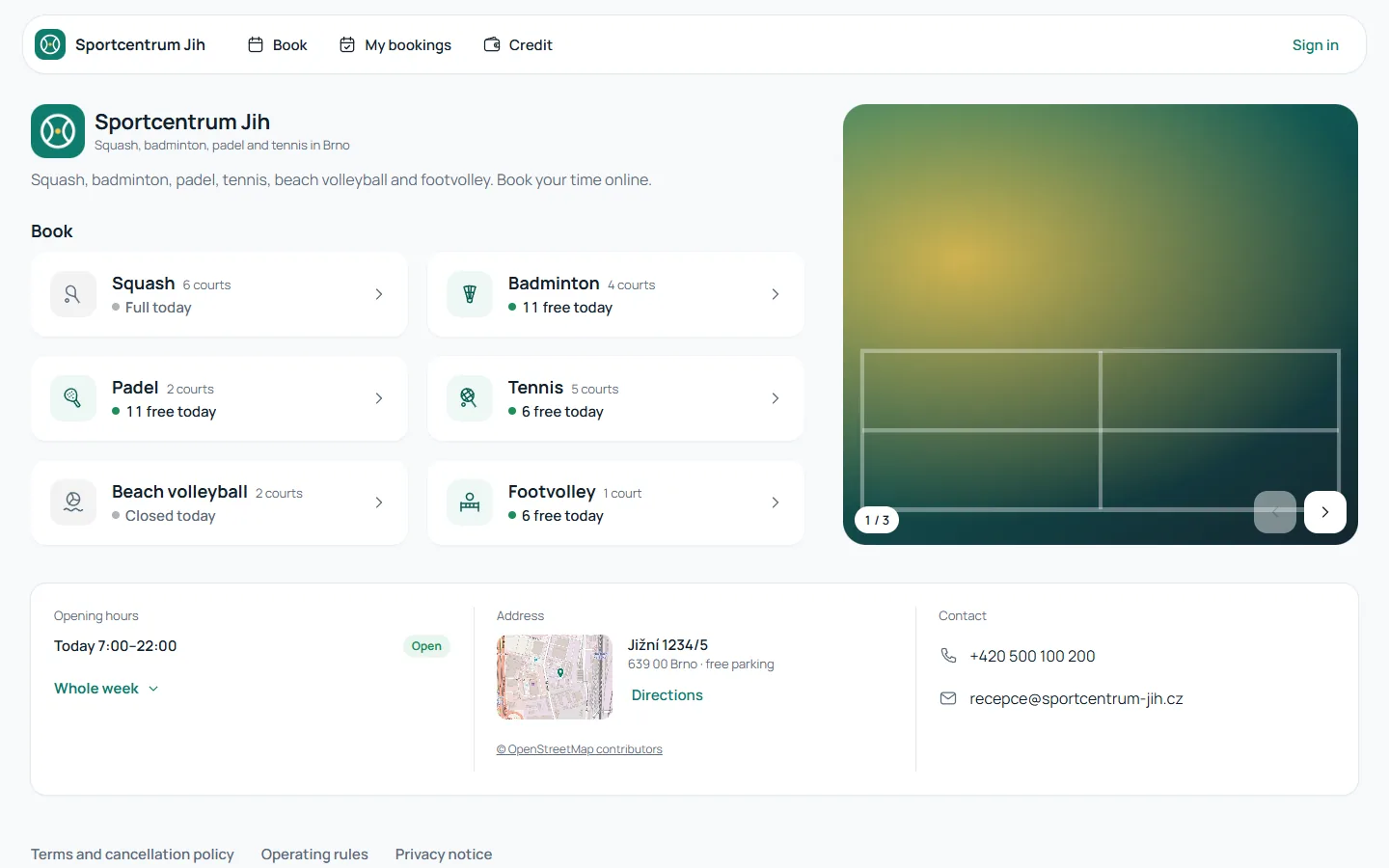
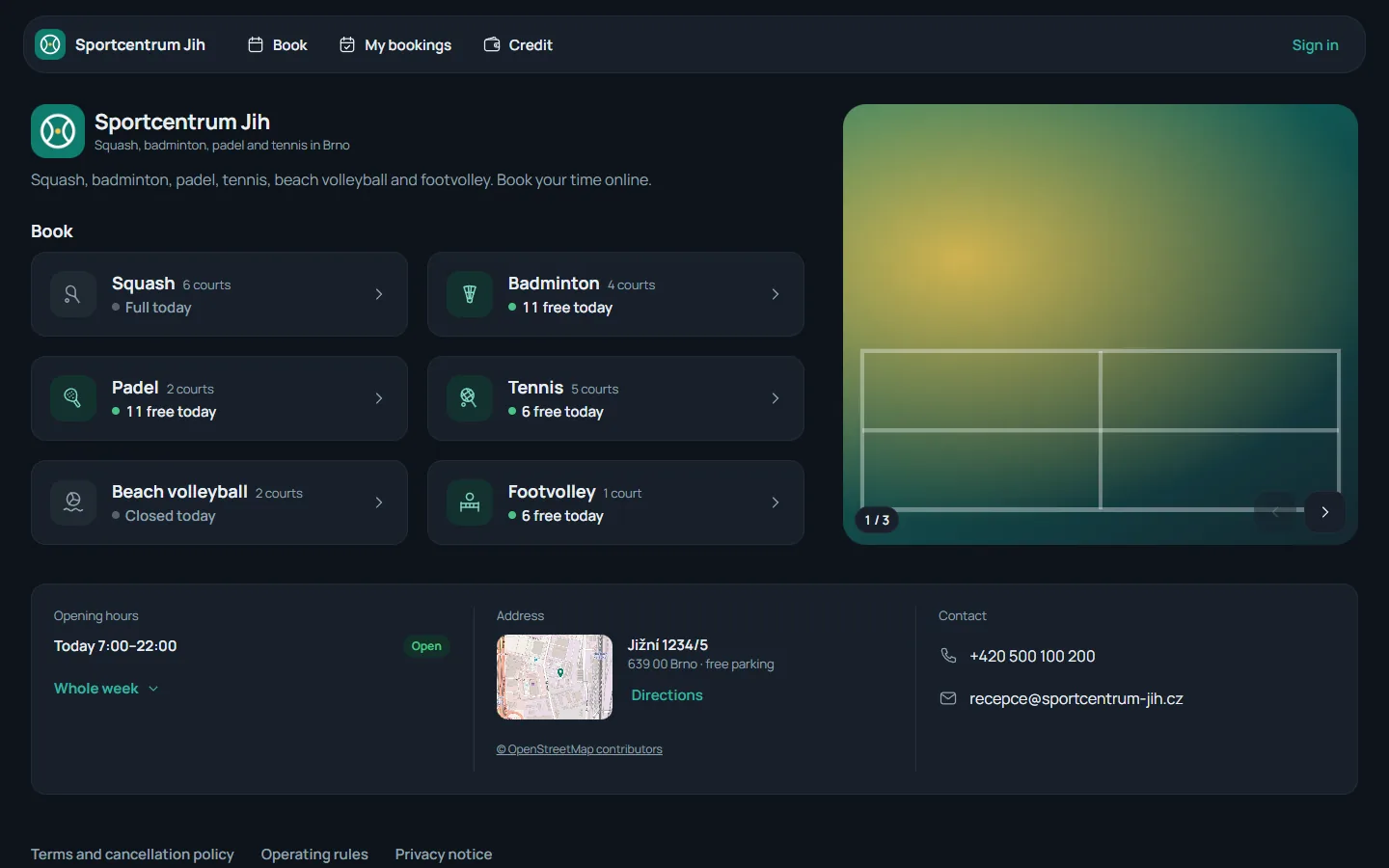
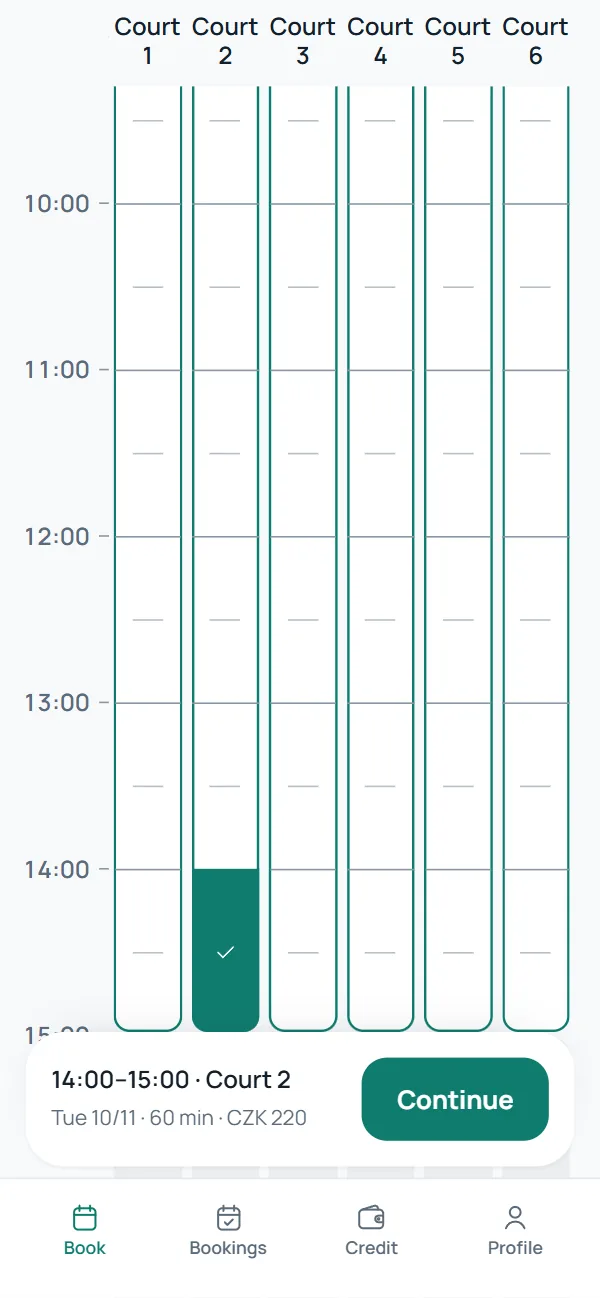
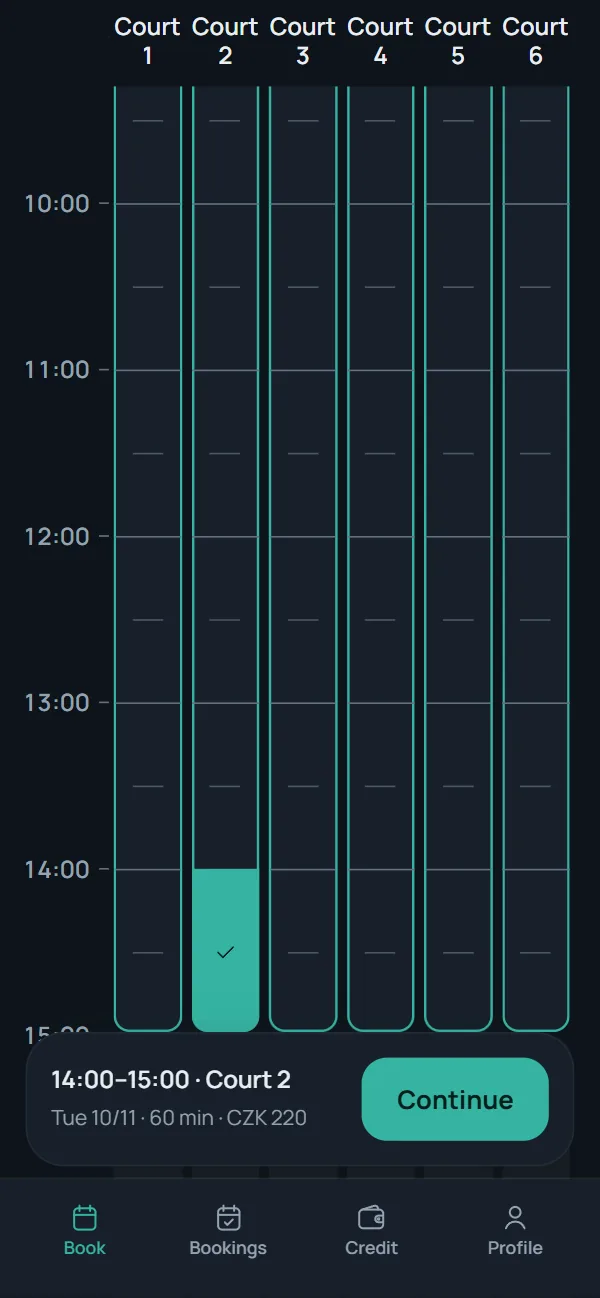
The public page of the demo centre Sportcentrum Jih on a desktop: six sports with today's free times, photos, opening hours, address and contact. The public page of the demo centre Sportcentrum Jih on a desktop: six sports with today's free times, photos, opening hours, address and contact. Booking squash on a phone: a calendar of six courts, Court 2 picked from 14:00 to 15:00, and a summary with the price and a Continue button. Booking squash on a phone: a calendar of six courts, Court 2 picked from 14:00 to 15:00, and a summary with the price and a Continue button.

For the people who play at your centre

They find a free court, pay and have it confirmed without calling reception.
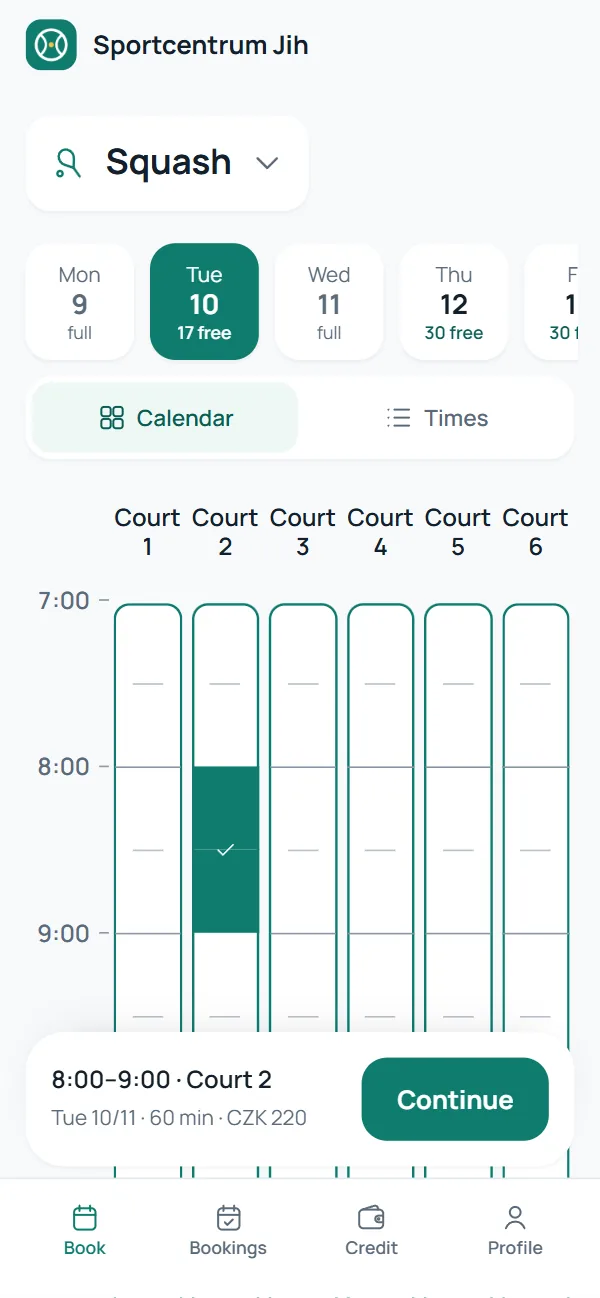
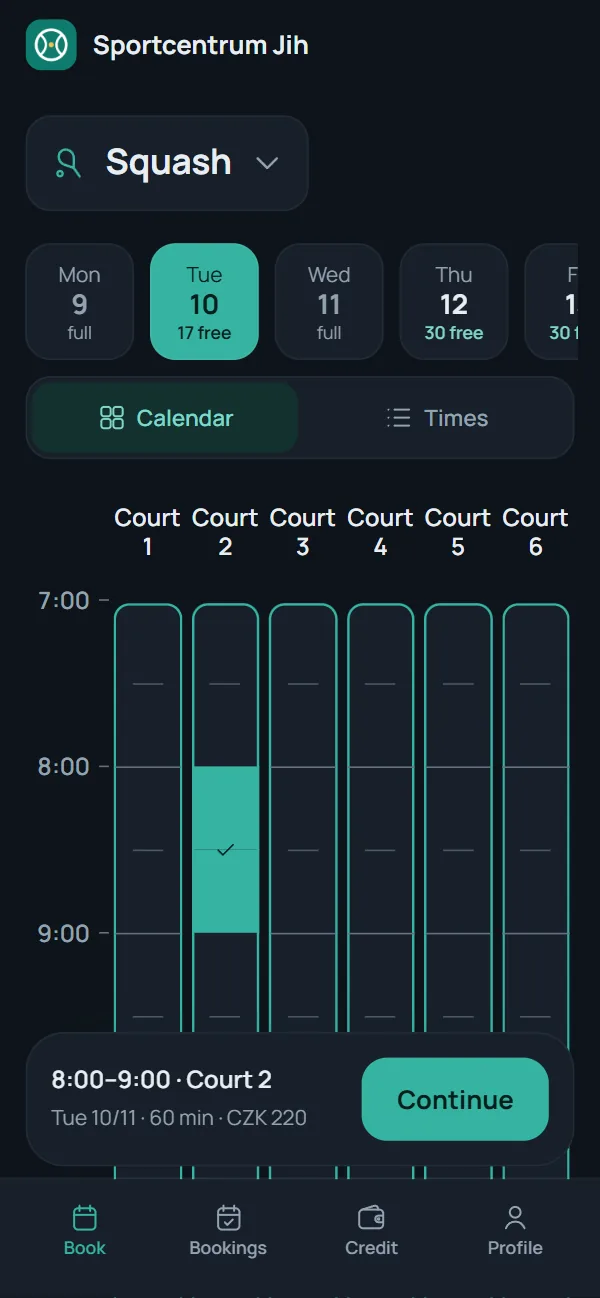
Picking a time in the calendar: squash on Tuesday, six courts side by side from 7:00, Court 2 picked from 8:00 to 9:00 and the summary with a Continue button. Picking a time in the calendar: squash on Tuesday, six courts side by side from 7:00, Court 2 picked from 8:00 to 9:00 and the summary with a Continue button.
  • Court calendar: Court 5 at 7:00 joins the picked Court 4. Court calendar: Court 5 at 7:00 joins the picked Court 4.
    One court or several at once From the calendar, or just by time.
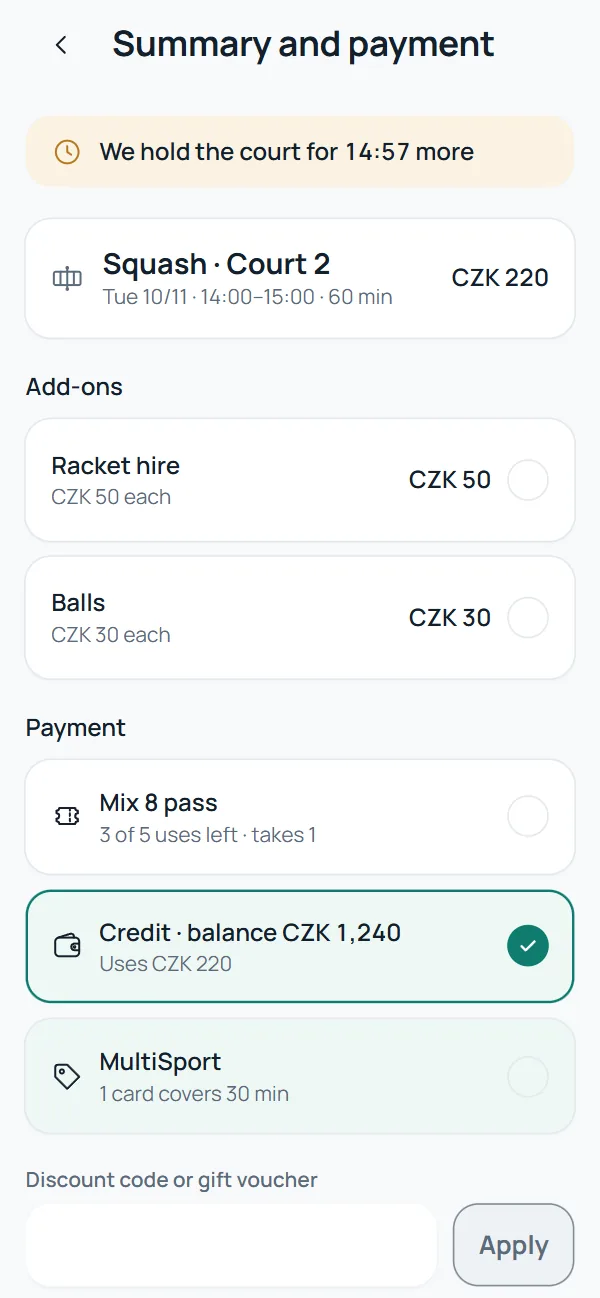
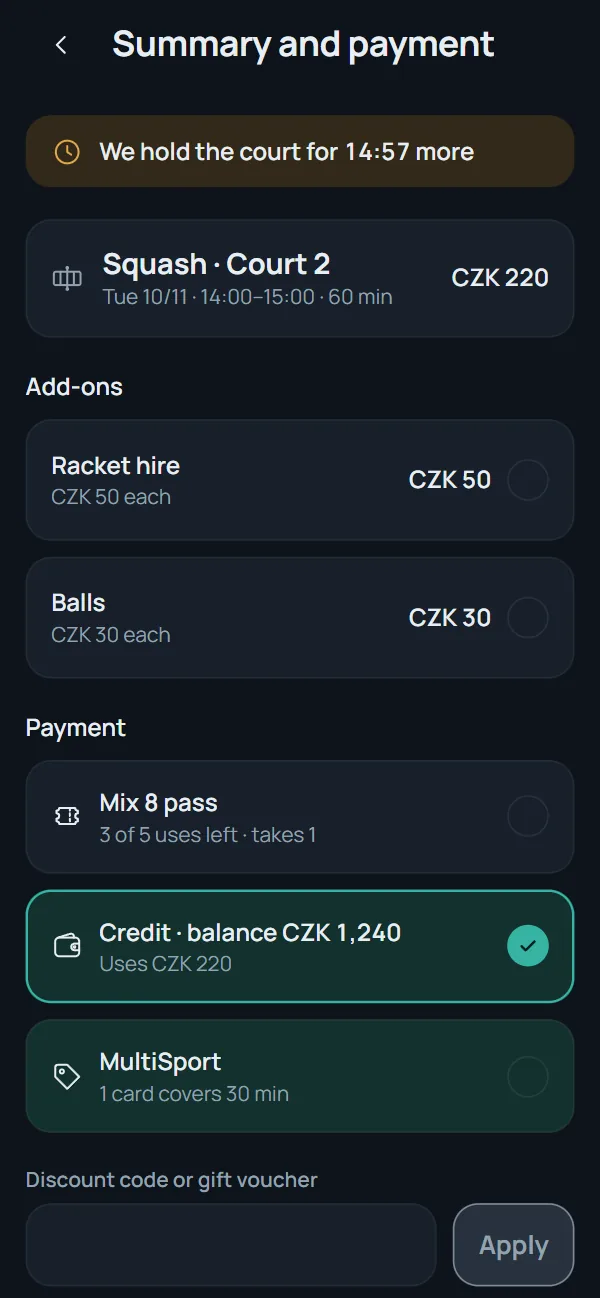
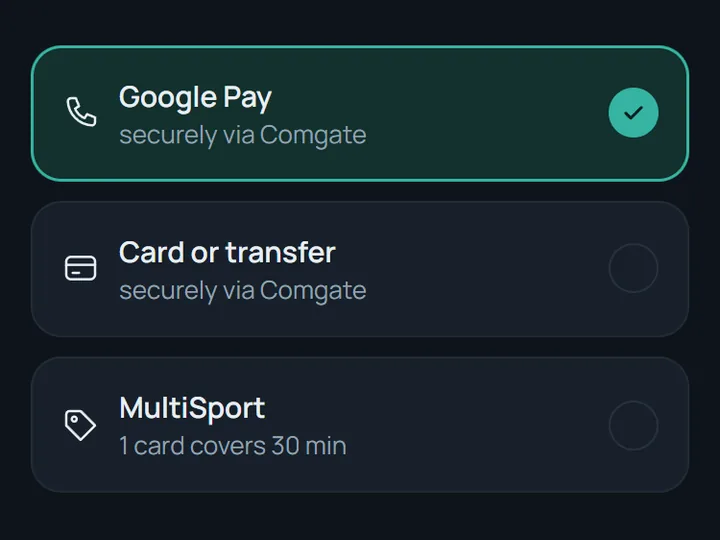
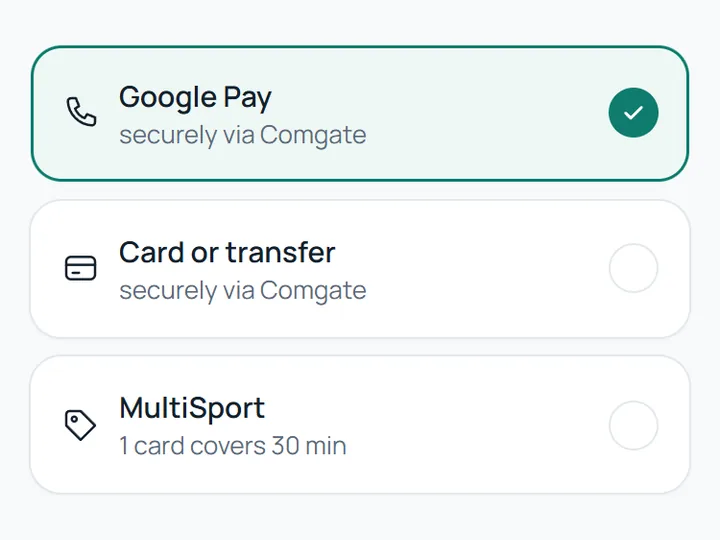
  • Choosing how to pay: Google Pay, card or transfer through the payment gateway, and a MultiSport card. Choosing how to pay: Google Pay, card or transfer through the payment gateway, and a MultiSport card.
    Card, Google Pay, Apple Pay or credit Straight into the centre's account.
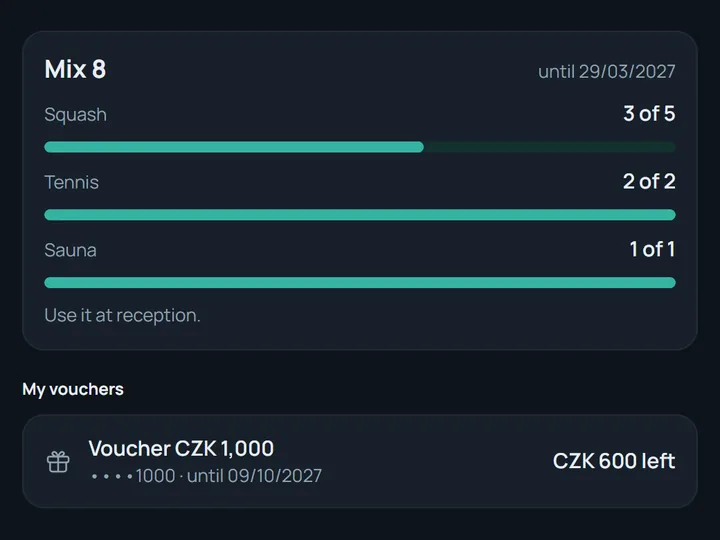
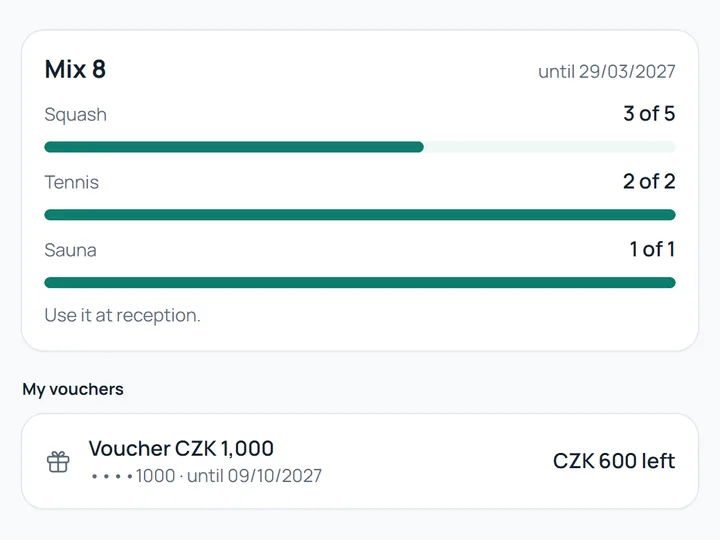
  • A Mix 8 pass with the uses left for squash, tennis and sauna, and a CZK 1,000 gift voucher with CZK 600 left. A Mix 8 pass with the uses left for squash, tennis and sauna, and a CZK 1,000 gift voucher with CZK 600 left.
    Passes and gift vouchers Bought online.
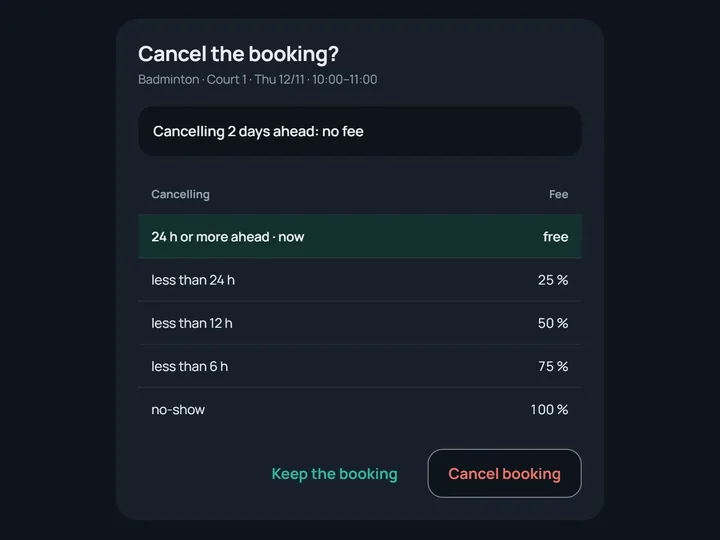
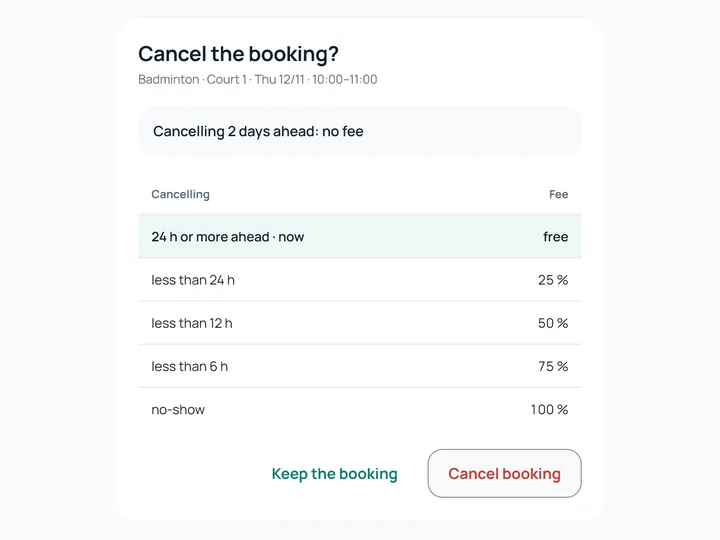
  • Cancelling a booking: two days ahead it is free, below it the fees by how late it is cancelled. Cancelling a booking: two days ahead it is free, below it the fees by how late it is cancelled.
    Cancelling under the centre's rules Online, without a phone call.
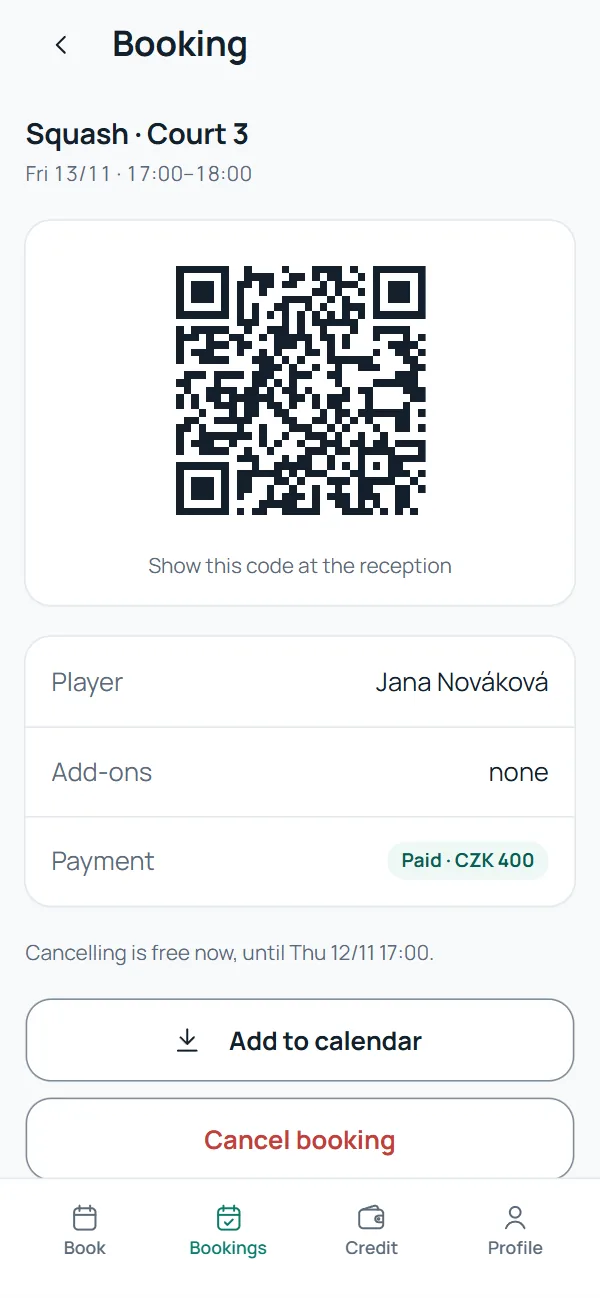
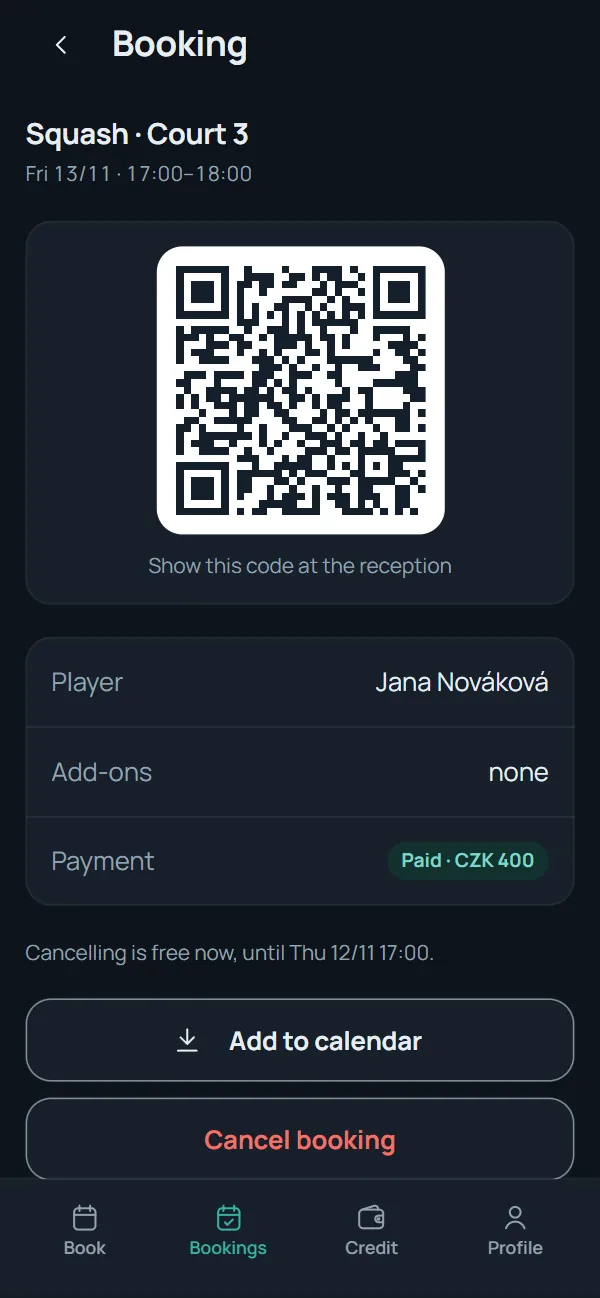
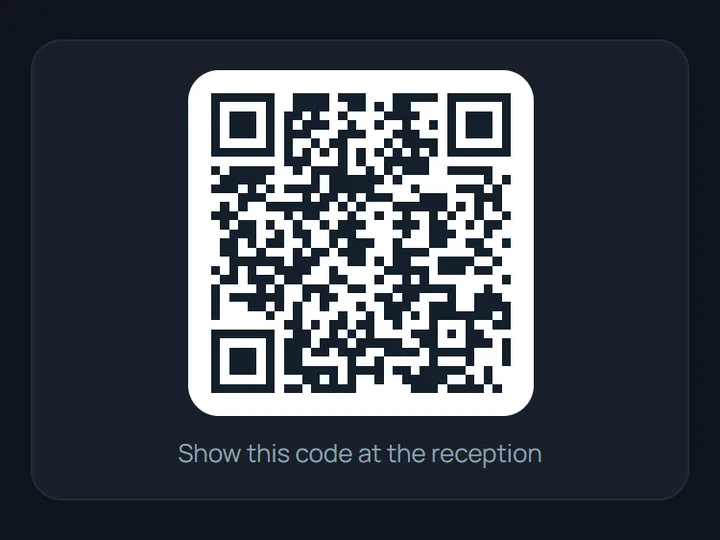
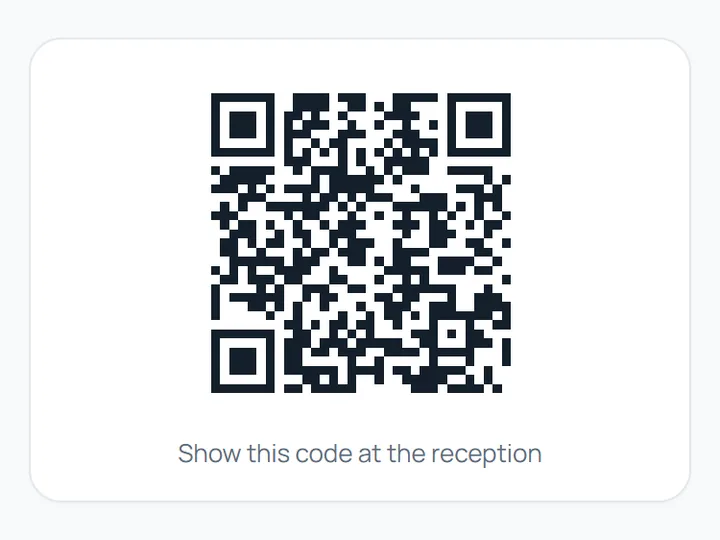
  • A booking's QR code captioned Show this code at the reception. A booking's QR code captioned Show this code at the reception.
    A QR code for check-in In the account and the confirmation e-mail.
  • A fully booked Monday: the customer picks Evening and Watch for a free time, and the watch is confirmed. A fully booked Monday: the customer picks Evening and Watch for a free time, and the watch is confirmed.
    Watching for a free slot An e-mail when a place frees up.
For reception

Reception is left with cash, checking cards and the exceptions. Online bookings and payments never reach the desk.
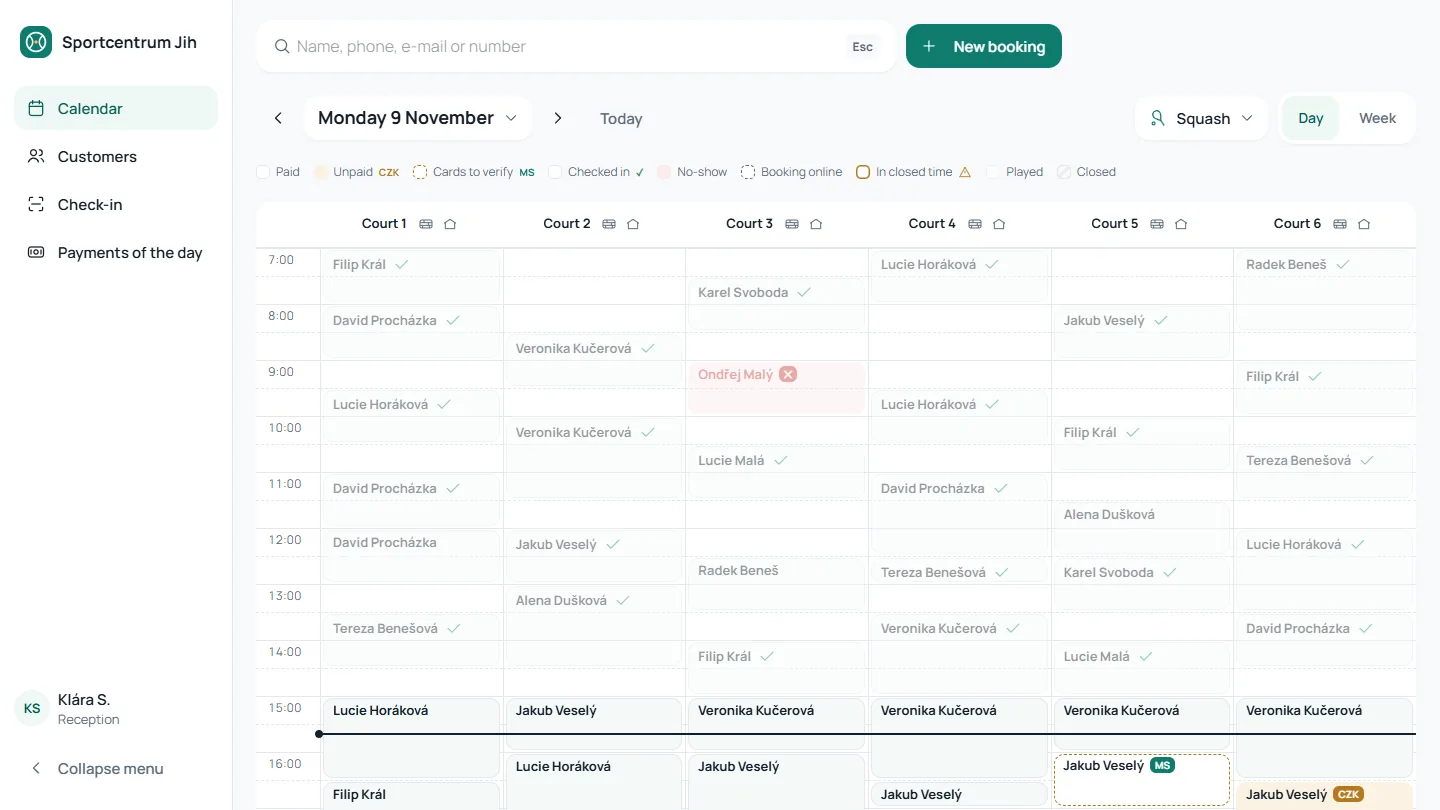
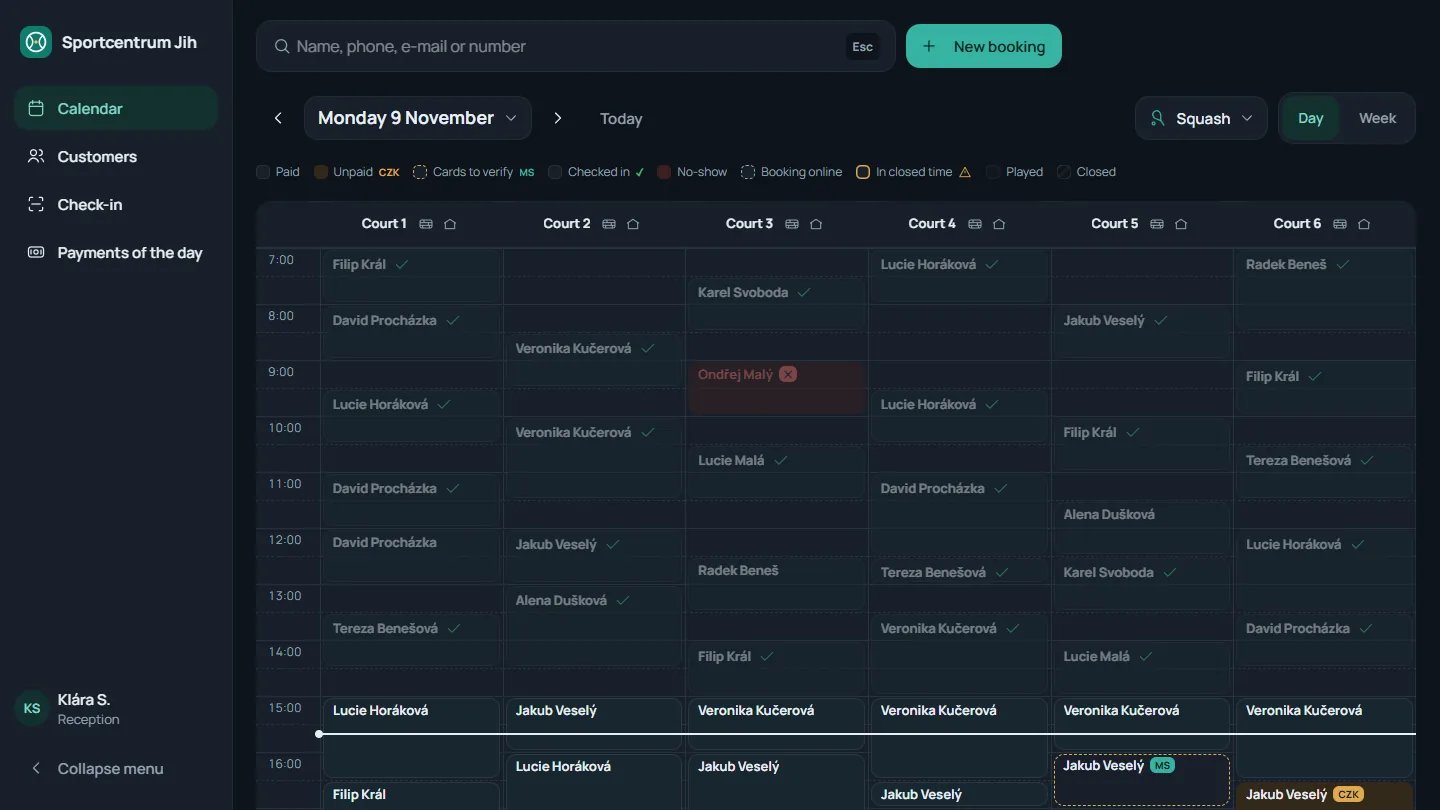
The reception day calendar: six squash courts side by side from 7:00, past bookings faded, unpaid ones marked CZK. The reception day calendar: six squash courts side by side from 7:00, past bookings faded, unpaid ones marked CZK.

The day calendar. Colour only where reception has to act: unpaid, cards to check, no-shows.

  • Reception calendar: hovering a booking shows the customer and phone, the time and court, what is paid, and the Open and Check-in buttons. Reception calendar: hovering a booking shows the customer and phone, the time and court, what is paid, and the Open and Check-in buttons.
    The whole day on one screen Every court side by side.
  • Customer search: typing a surname lists three matches with phone, customer number and today's booking. Customer search: typing a surname lists three matches with phone, customer number and today's booking.
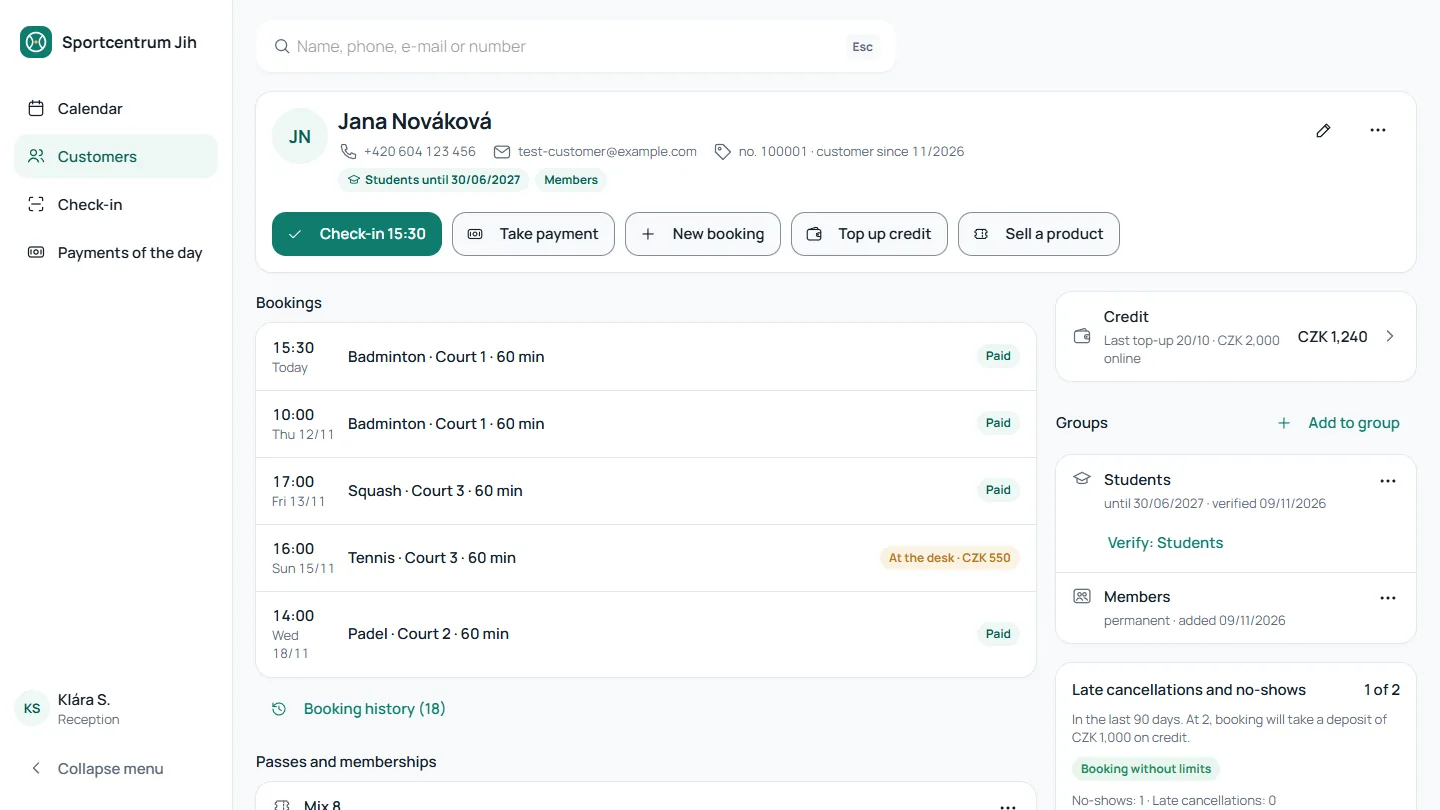
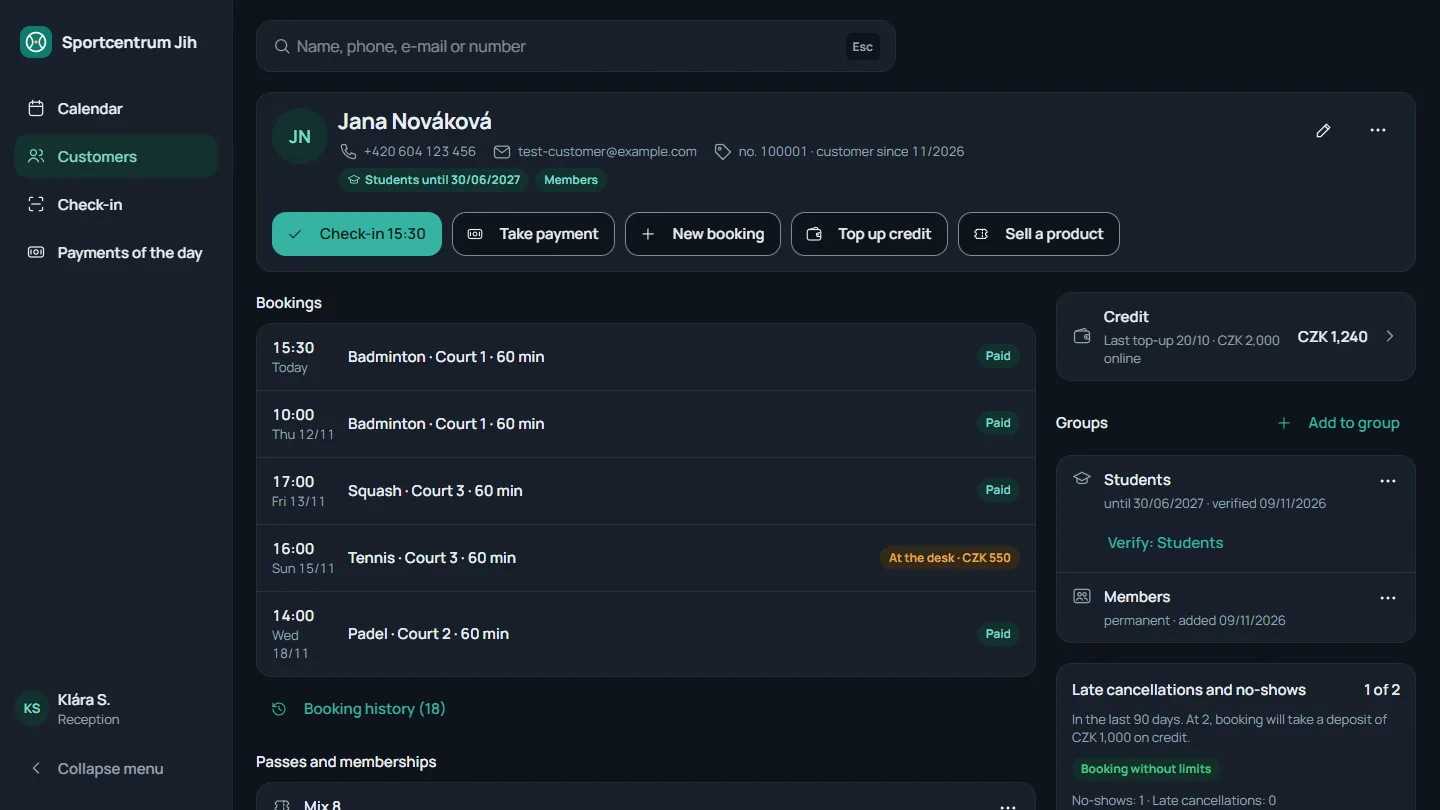
    The customer card Found by name, phone or QR code.
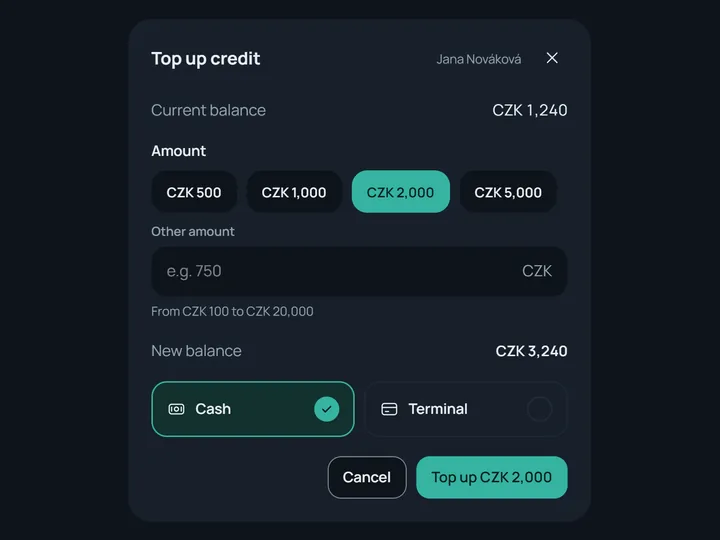
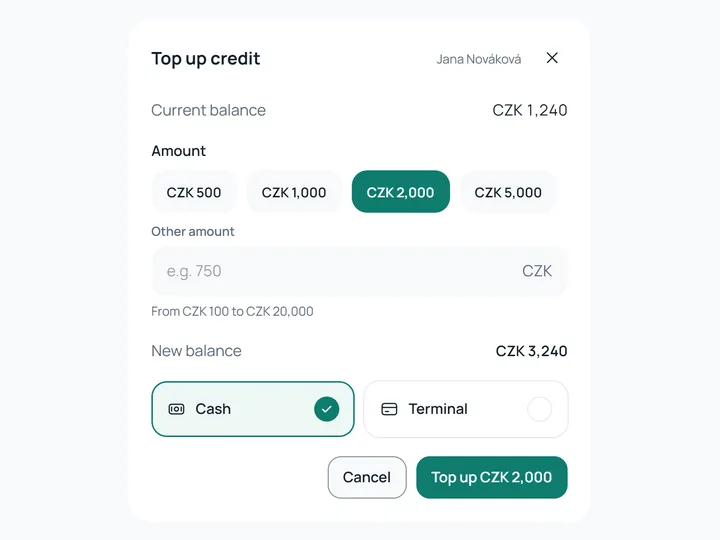
  • A credit top-up at the desk: the amount, the new balance, and cash or the terminal. A credit top-up at the desk: the amount, the new balance, and cash or the terminal.
    Taking payments at the desk Cash and the card terminal.
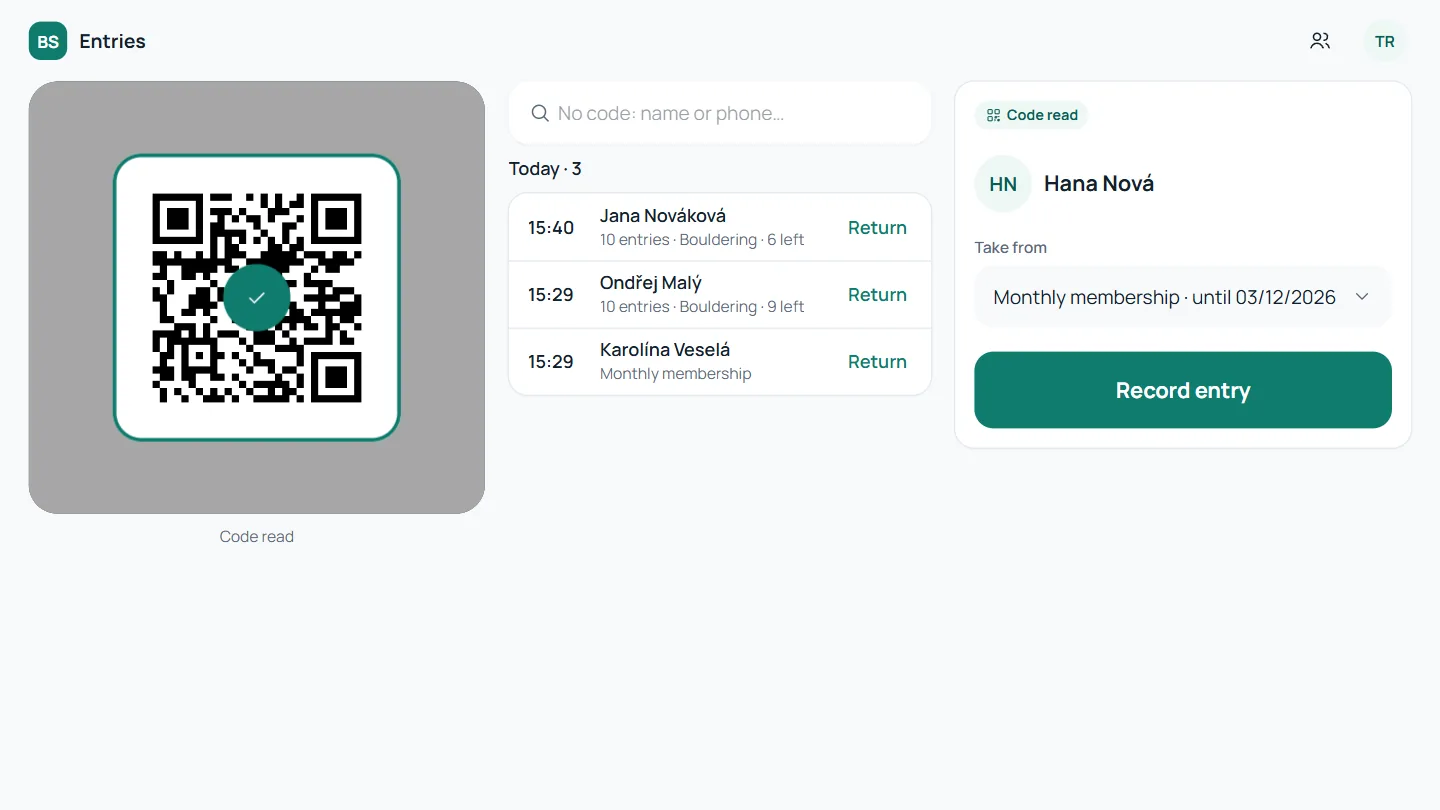
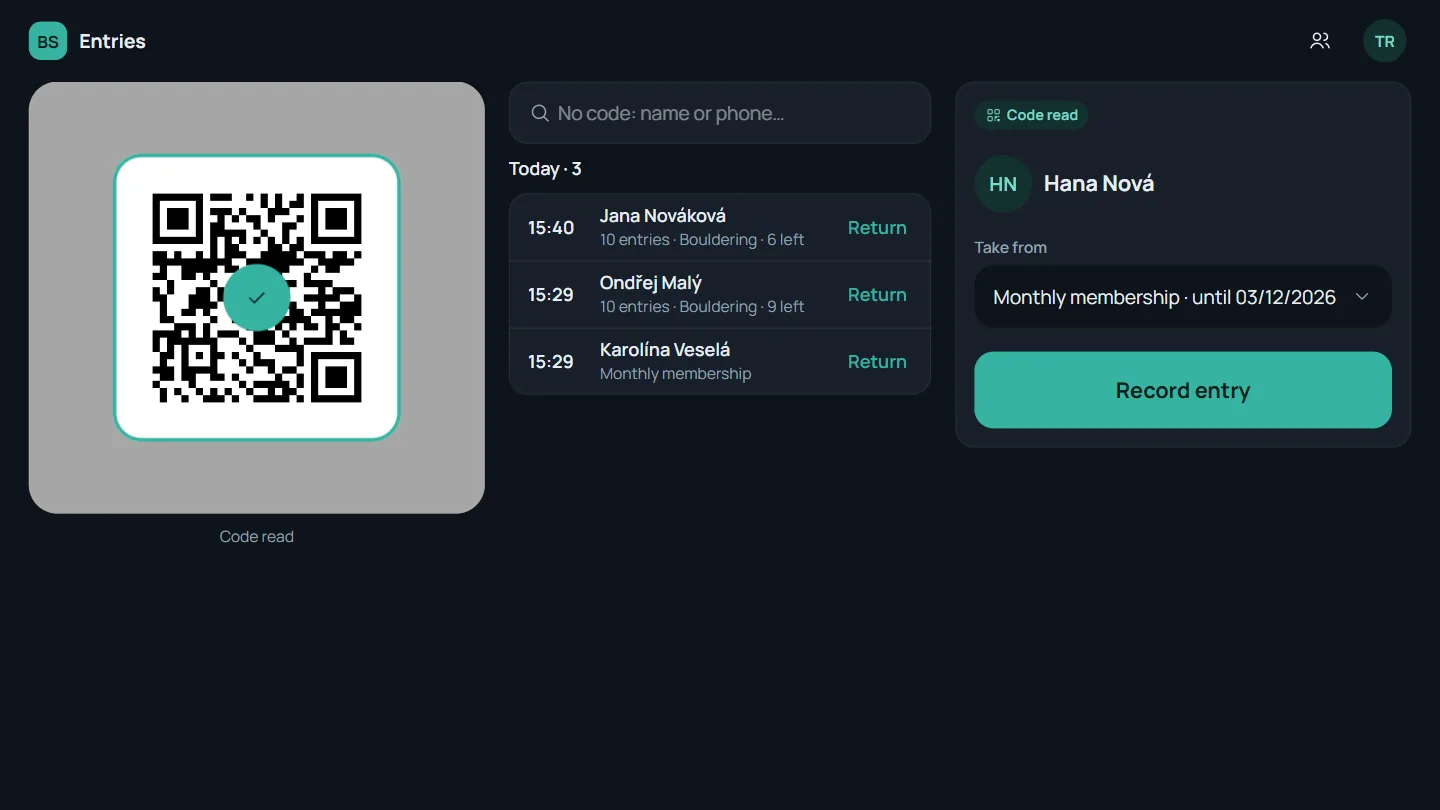
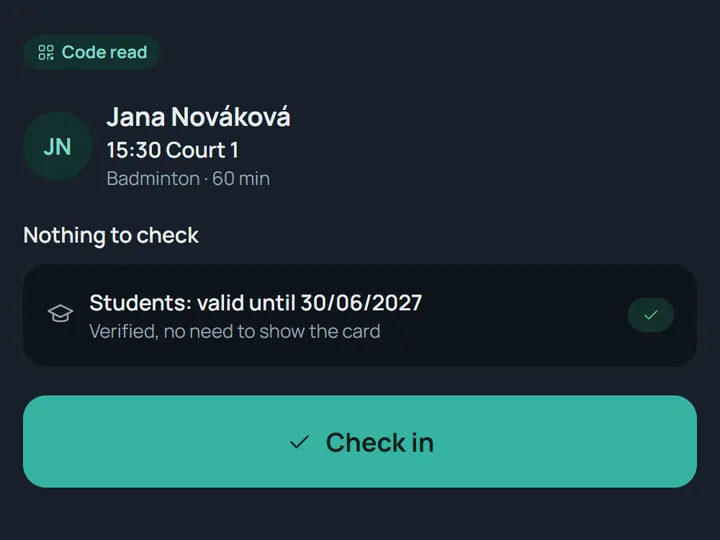
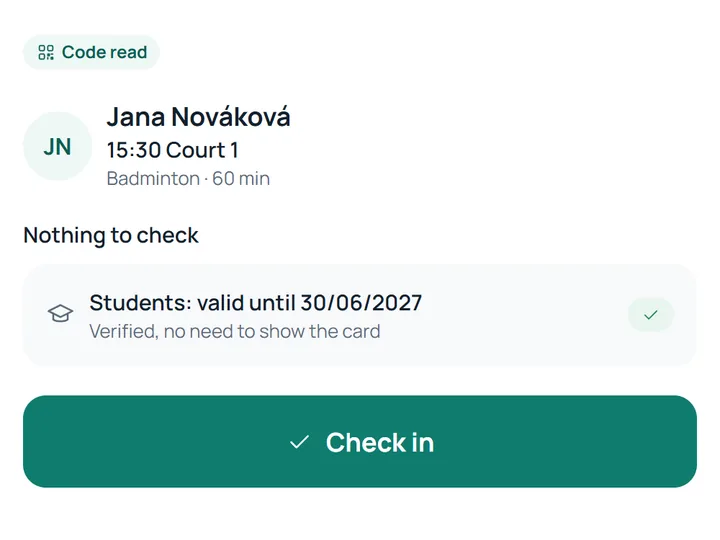
  • A code read on the desk's phone: the booking, the student status already verified, and Check in. A code read on the desk's phone: the booking, the student status already verified, and Check in.
    Check-in by QR code With a tablet's or phone's camera.
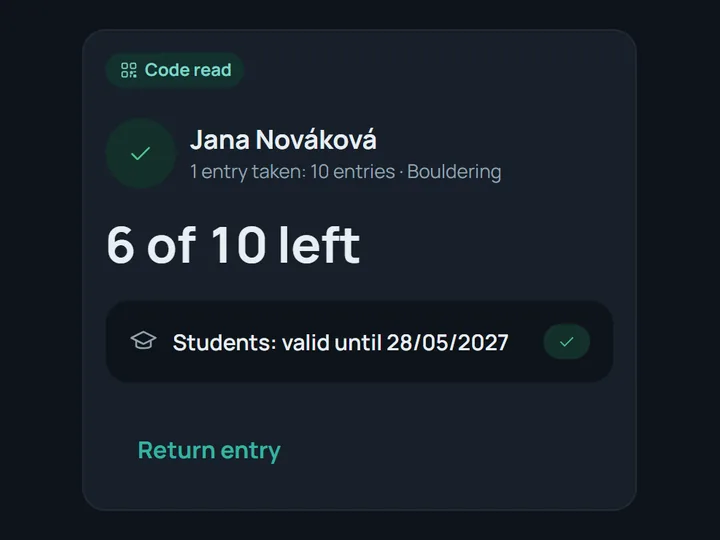
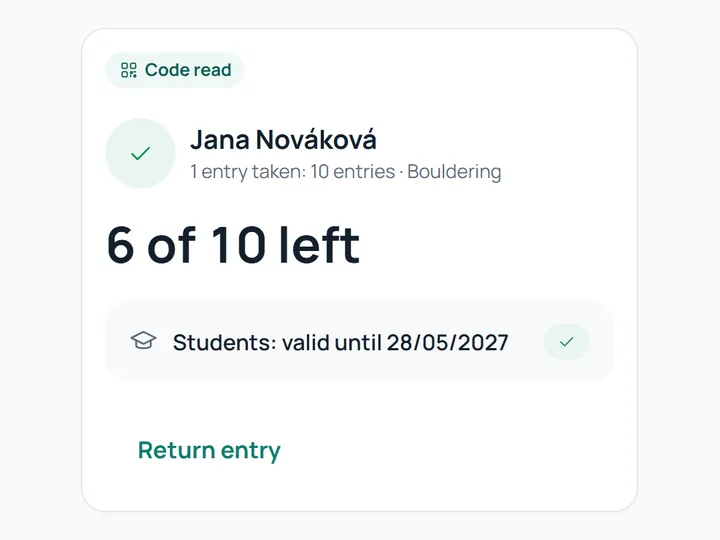
  • After a scan: one entry taken off a 10-entry pass, 6 of 10 left. After a scan: one entry taken off a 10-entry pass, 6 of 10 left.
    Passes and entries One scan takes one entry off a pass.
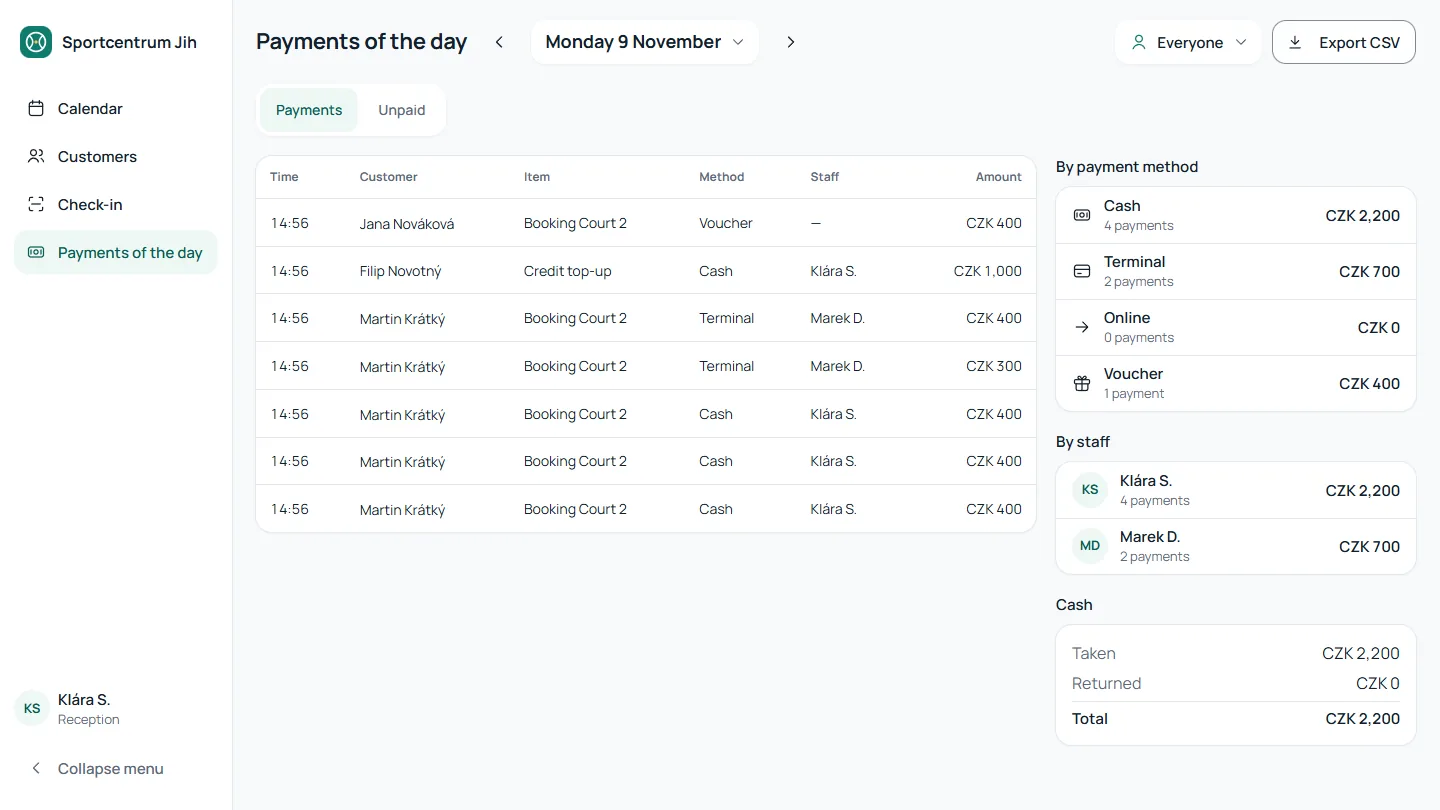
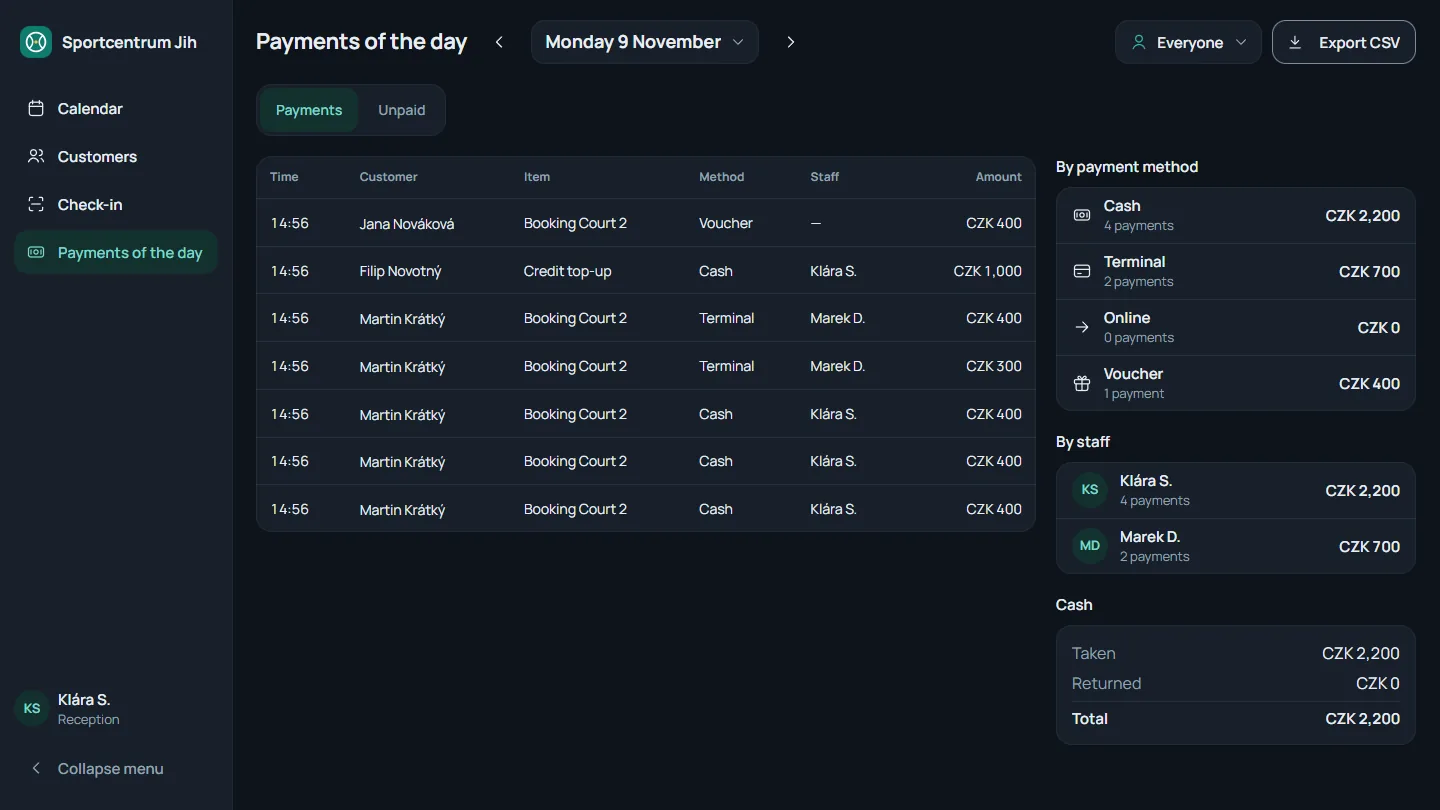
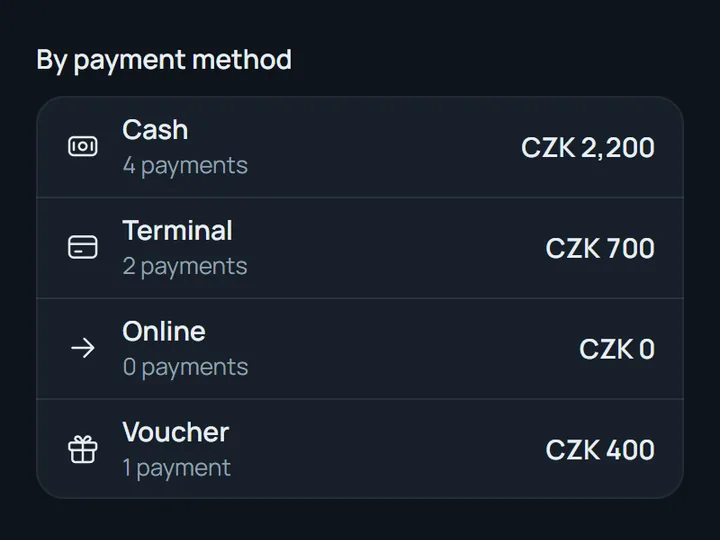
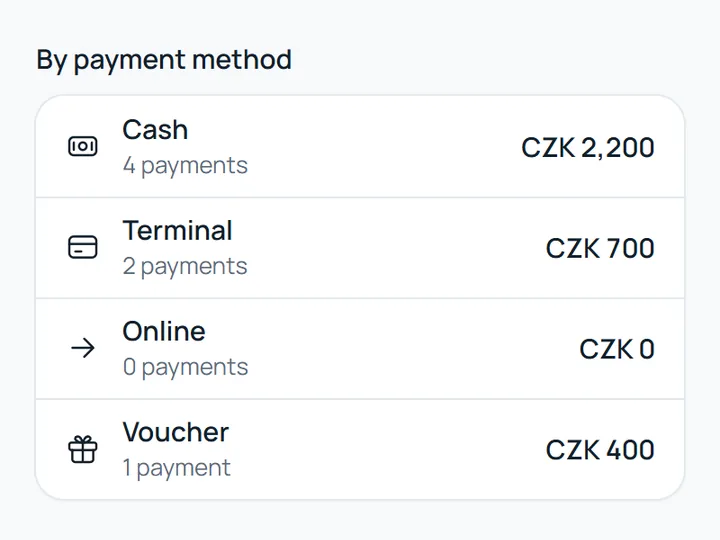
  • The day's payments by method: cash, terminal, online and voucher, each with its total. The day's payments by method: cash, terminal, online and voucher, each with its total.
    The day's payments To reconcile the cash drawer.
For the centre's management

Set prices, rules and money once. The system keeps to them.

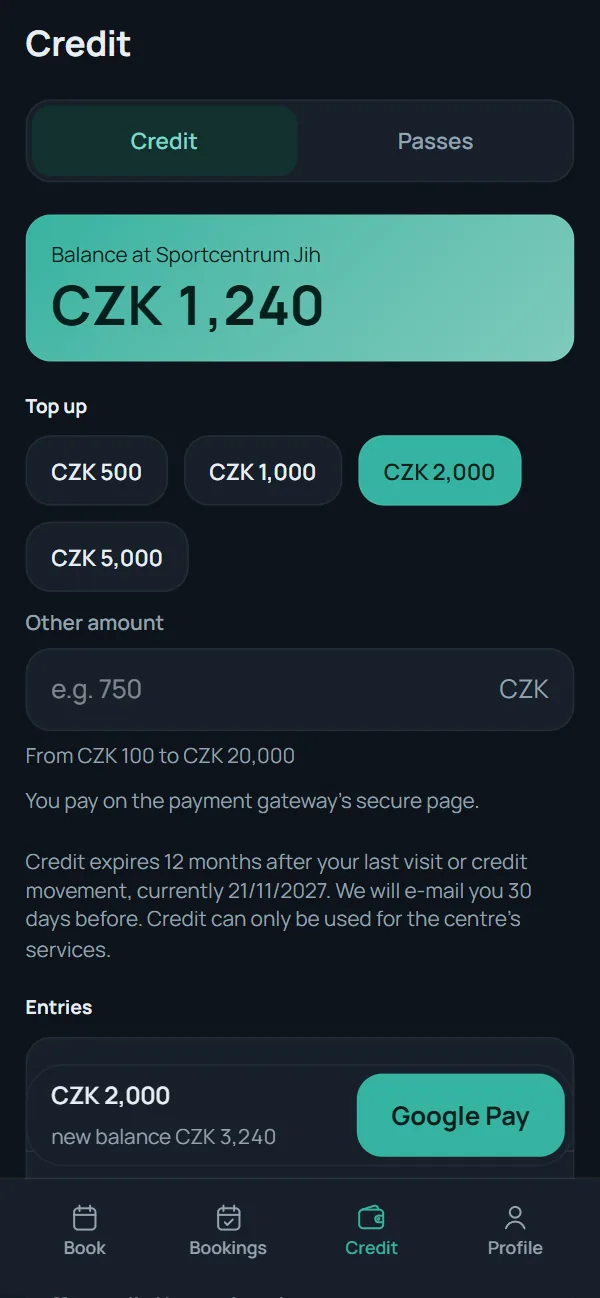
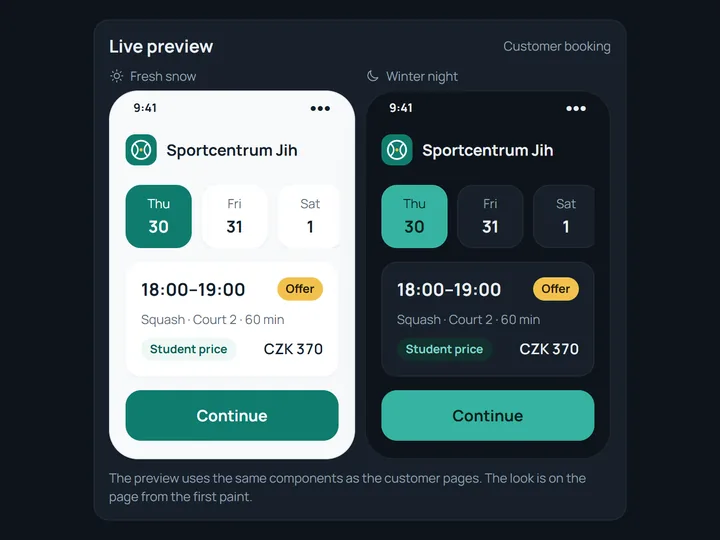
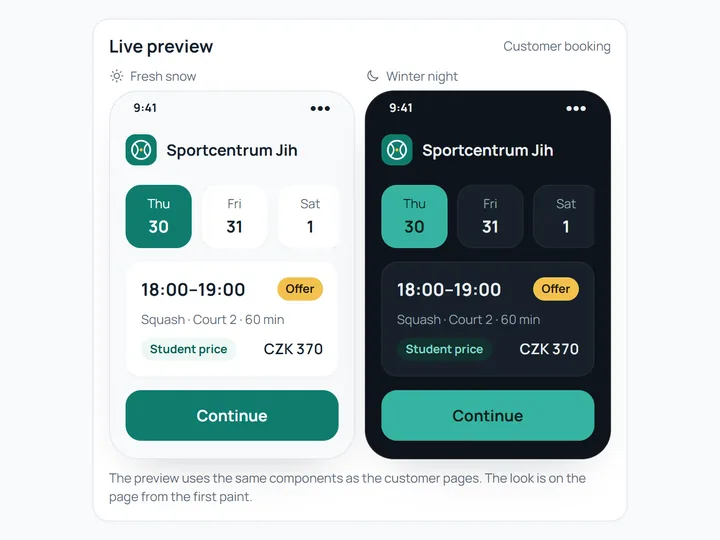
  • A live preview of the centre's look on a phone, light and dark. A live preview of the centre's look on a phone, light and dark.
    Your look and your domain The centre's logo, colours and font.
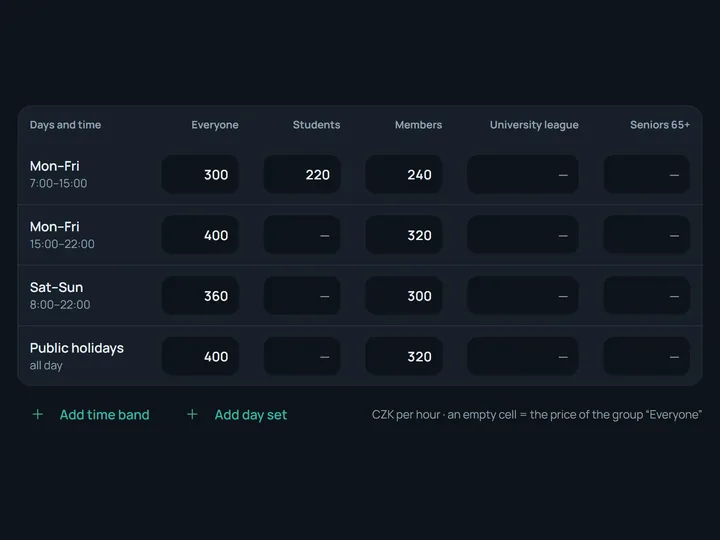
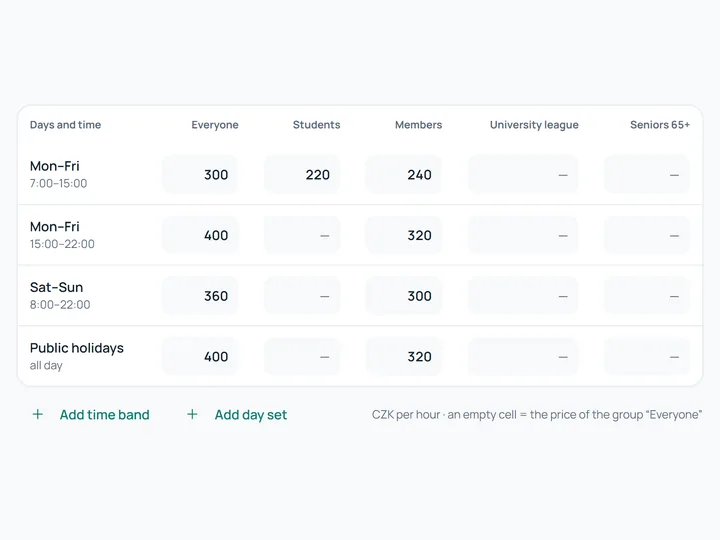
  • A squash price list: weekday and weekend bands, prices for everyone, students and members. A squash price list: weekday and weekend bands, prices for everyone, students and members.
    Price lists with seasons and bands Weekends, holidays, customer groups.
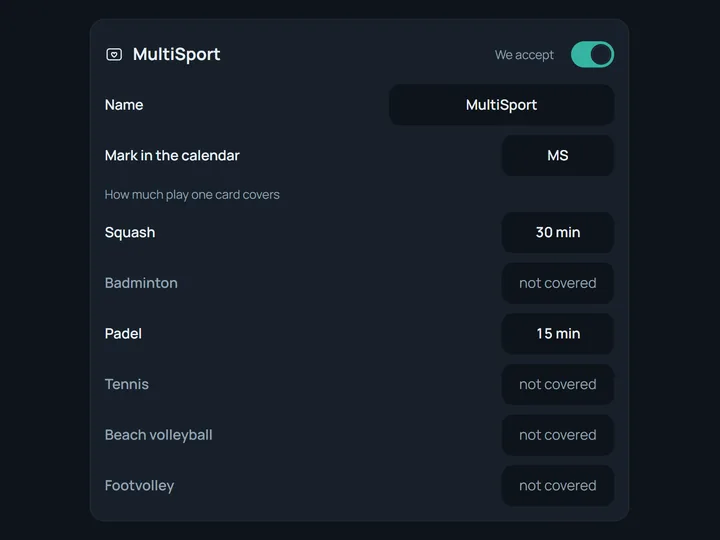
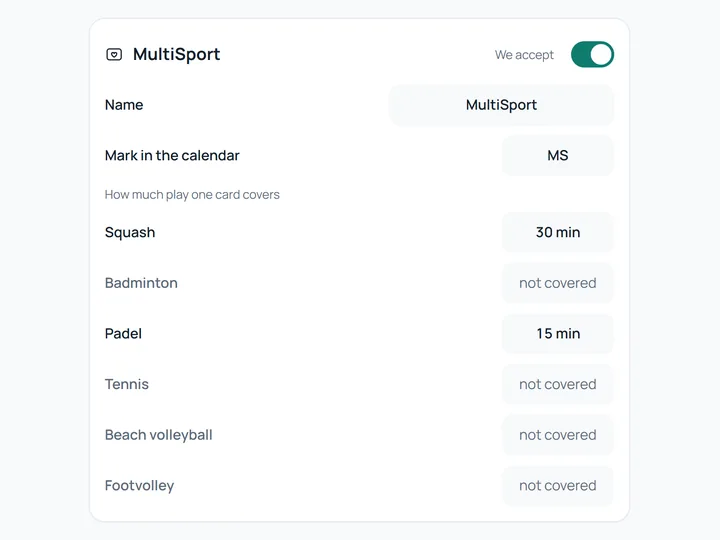
  • MultiSport settings: how many minutes a card covers for squash, badminton and padel. MultiSport settings: how many minutes a card covers for squash, badminton and padel.
    MultiSport and students Card coverage set per sport.
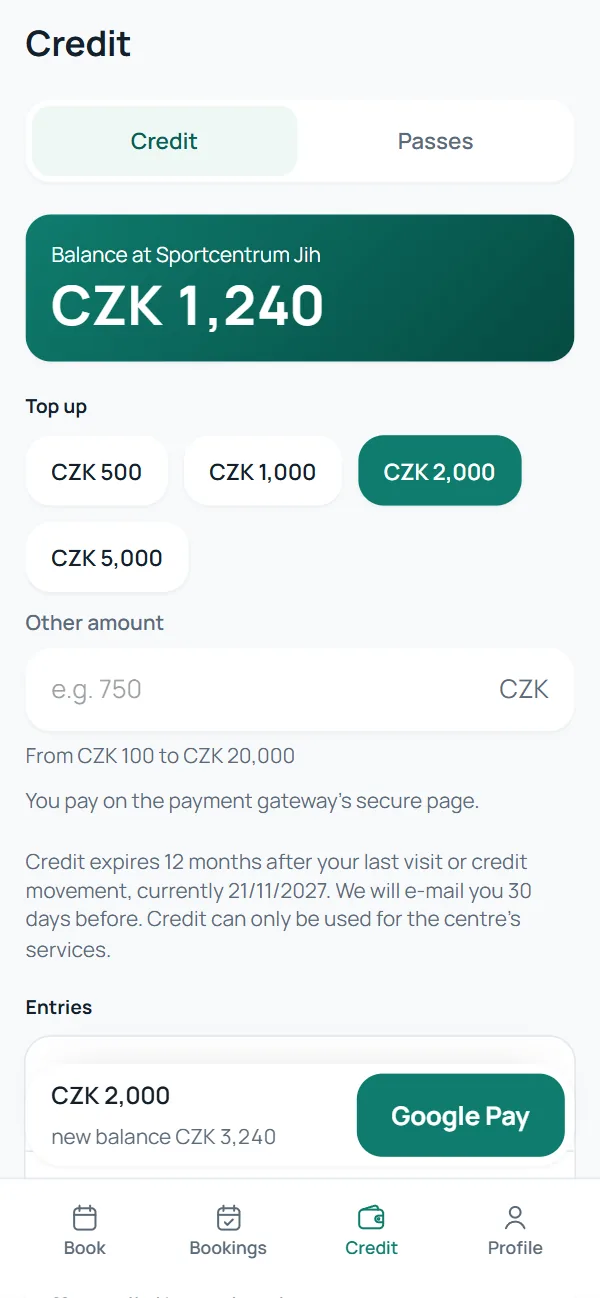
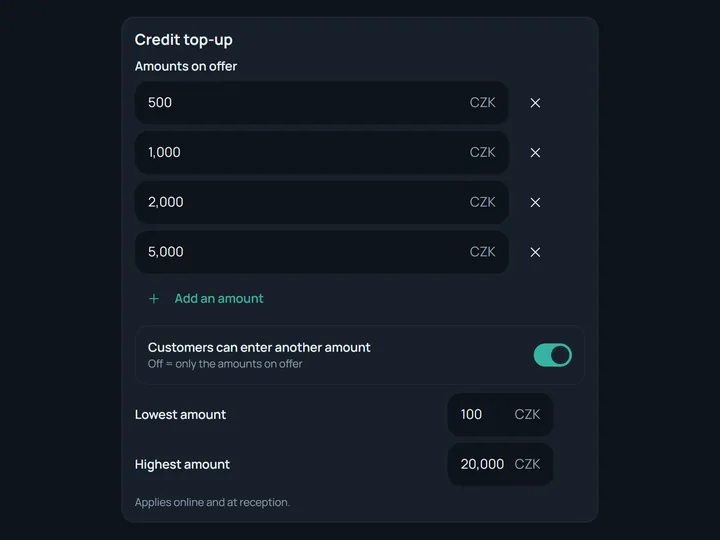
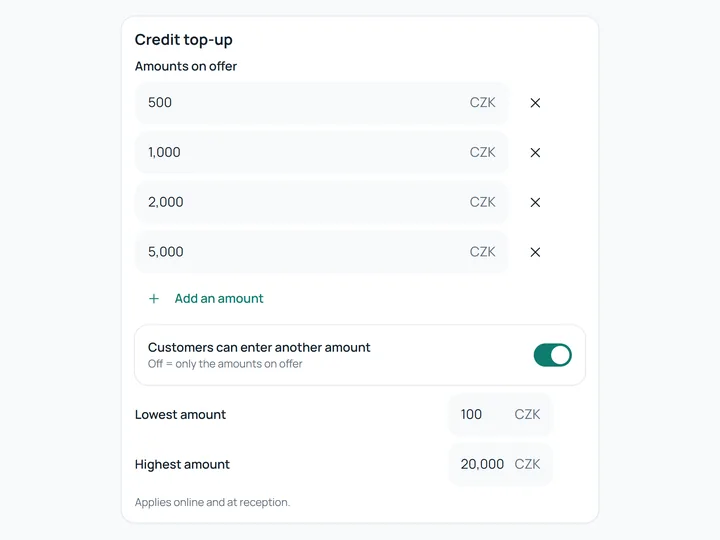
  • Credit top-up settings: the amounts on offer, 500 to 5,000. Credit top-up settings: the amounts on offer, 500 to 5,000.
    Credit and deposits Top-ups online and at the desk.
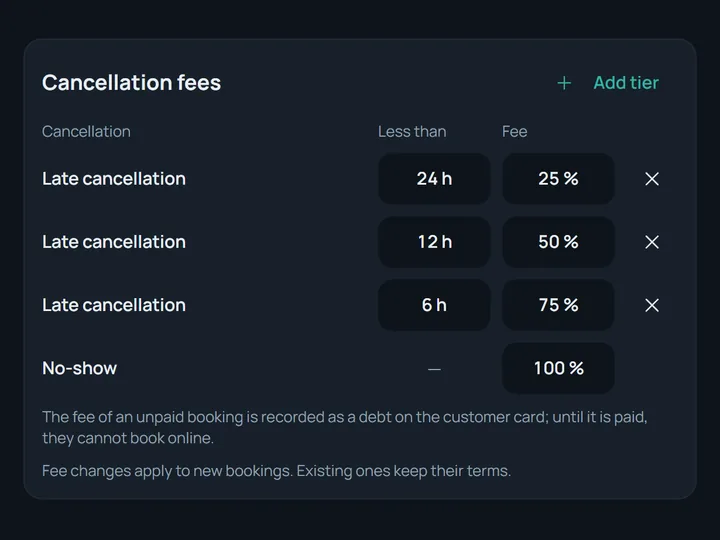
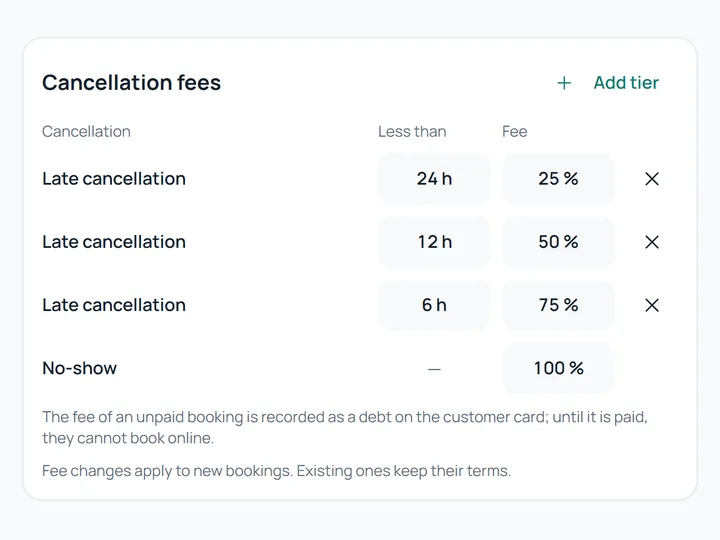
  • Cancellation fees: 25, 50 and 75 % by how many hours ahead, 100 % for a no-show. Cancellation fees: 25, 50 and 75 % by how many hours ahead, 100 % for a no-show.
    Cancellation fees and refunds By how late a booking is cancelled.
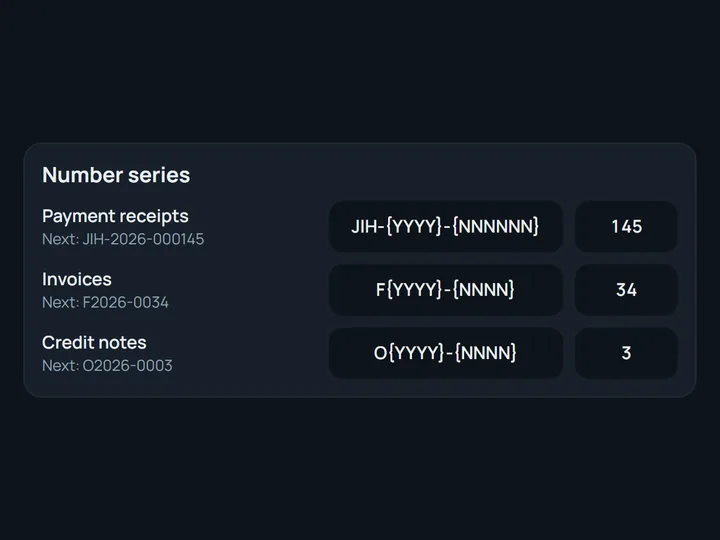
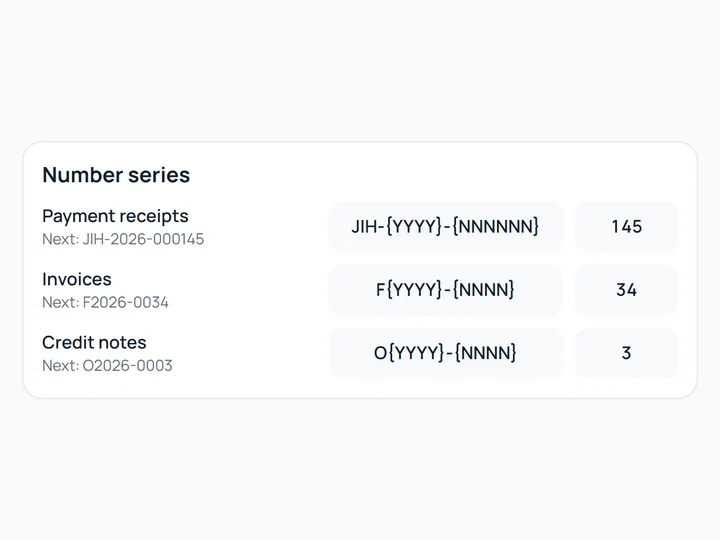
  • Number series for receipts, invoices and corrective documents with the next number. Number series for receipts, invoices and corrective documents with the next number.
    Receipts and invoices The centre's own number series.
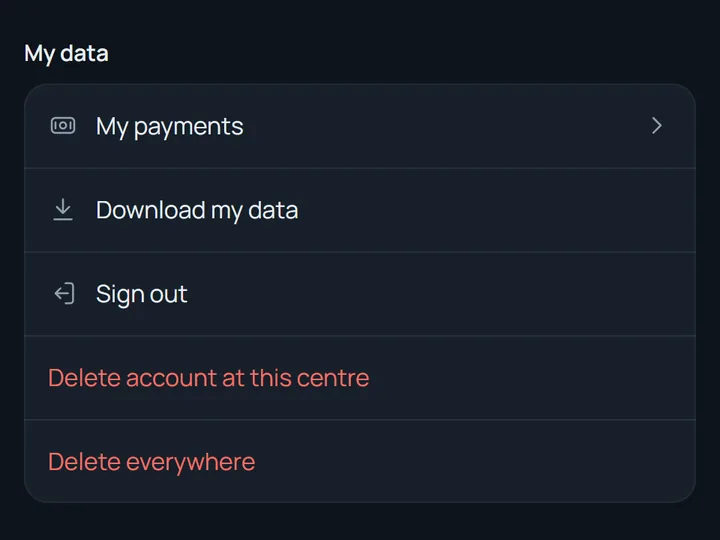
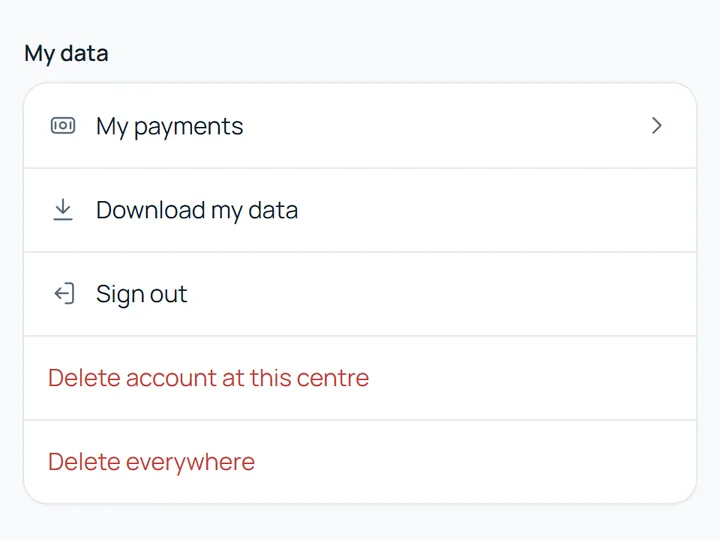
  • My data in the customer's profile: download the data, delete the account here or everywhere. My data in the customer's profile: download the data, delete the account here or everywhere.
    GDPR handled Data copy and deletion in the customer's account.
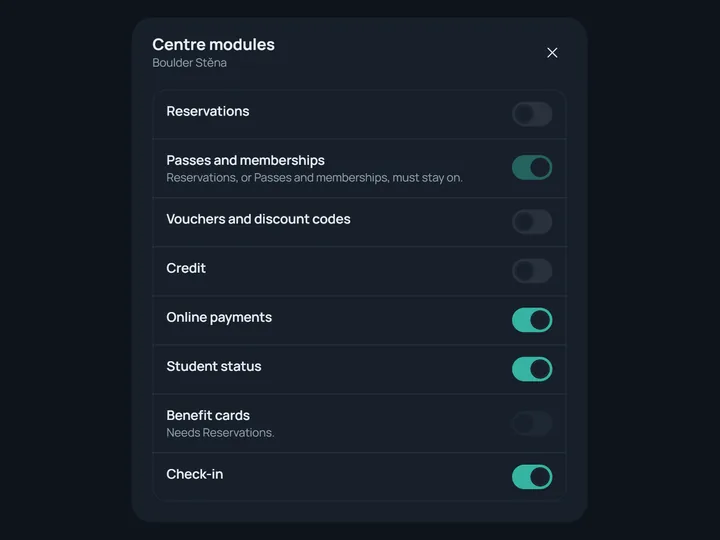
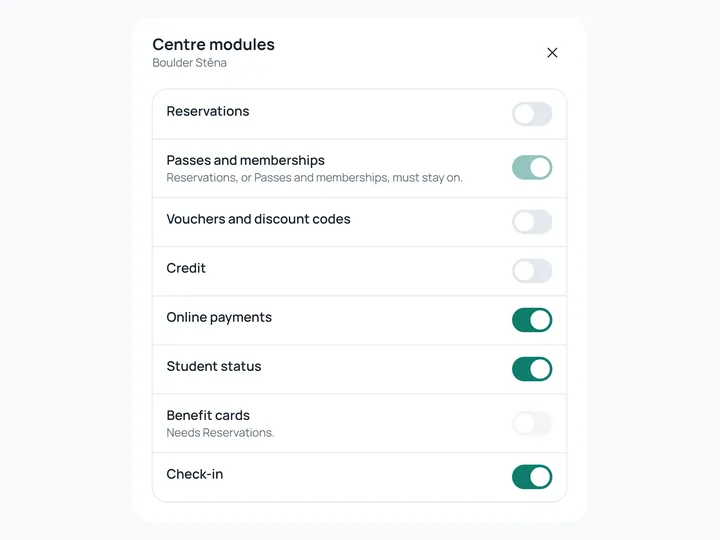
  • Modules of a centre without bookings: bookings off; passes, payments, student status and check-in on. Modules of a centre without bookings: bookings off; passes, payments, student status and check-in on.
    Modules for how you run Also for centres without bookings.
Data from your current system Customers, credit, passes and bookings.

Every centre in its own look

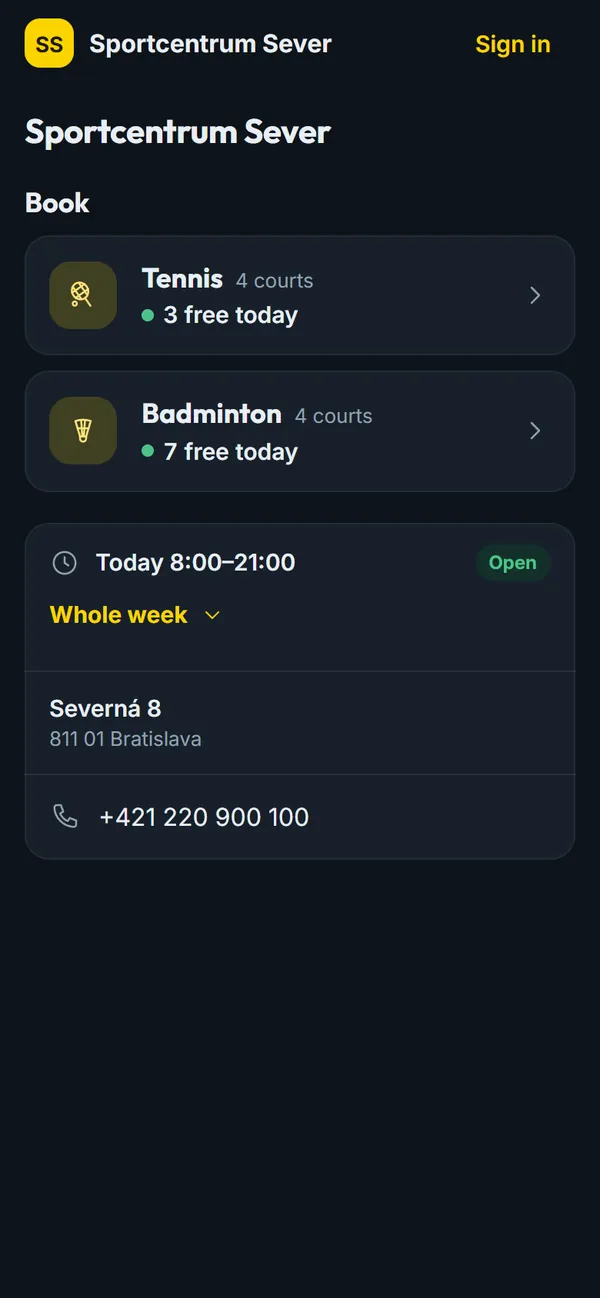
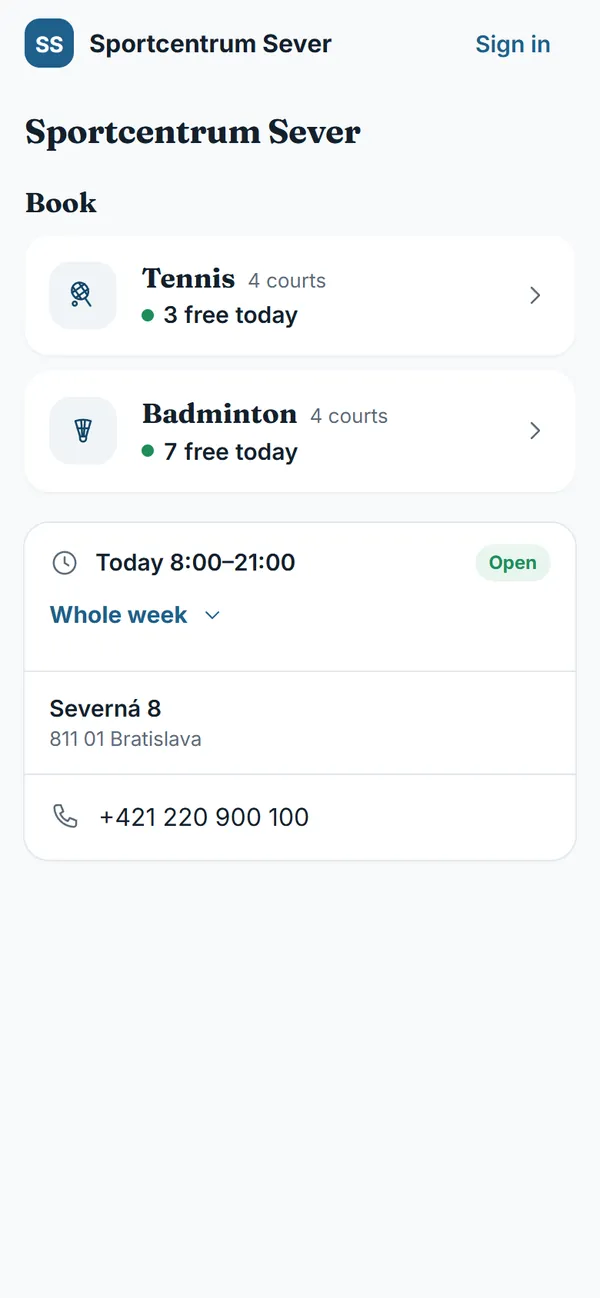
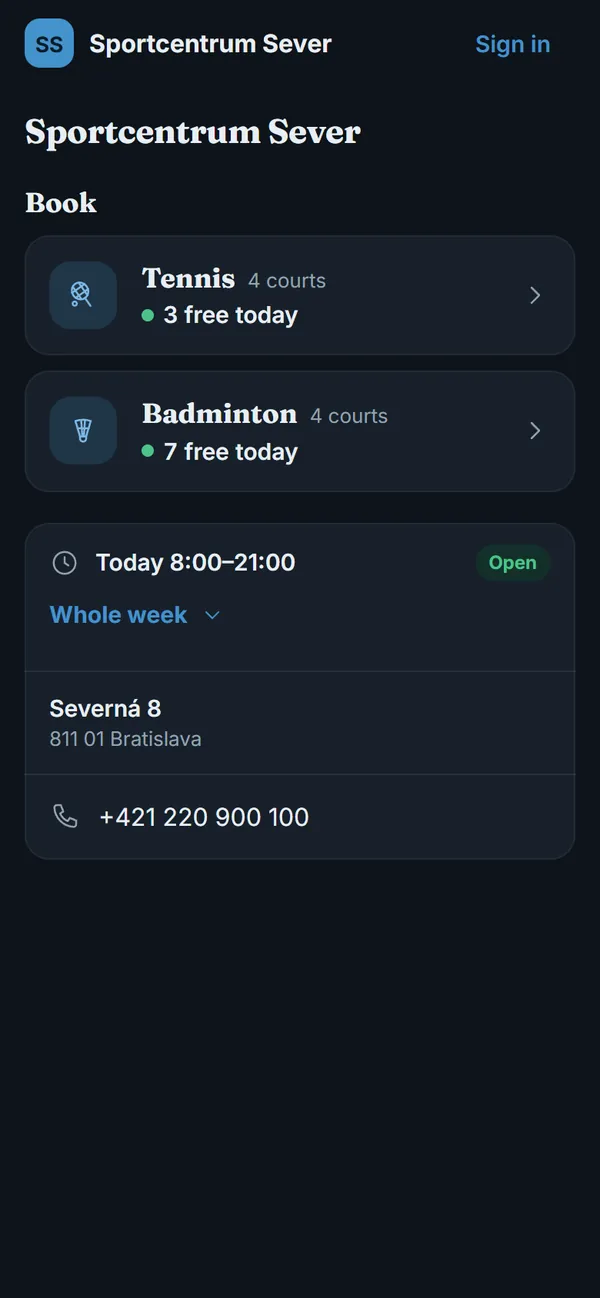
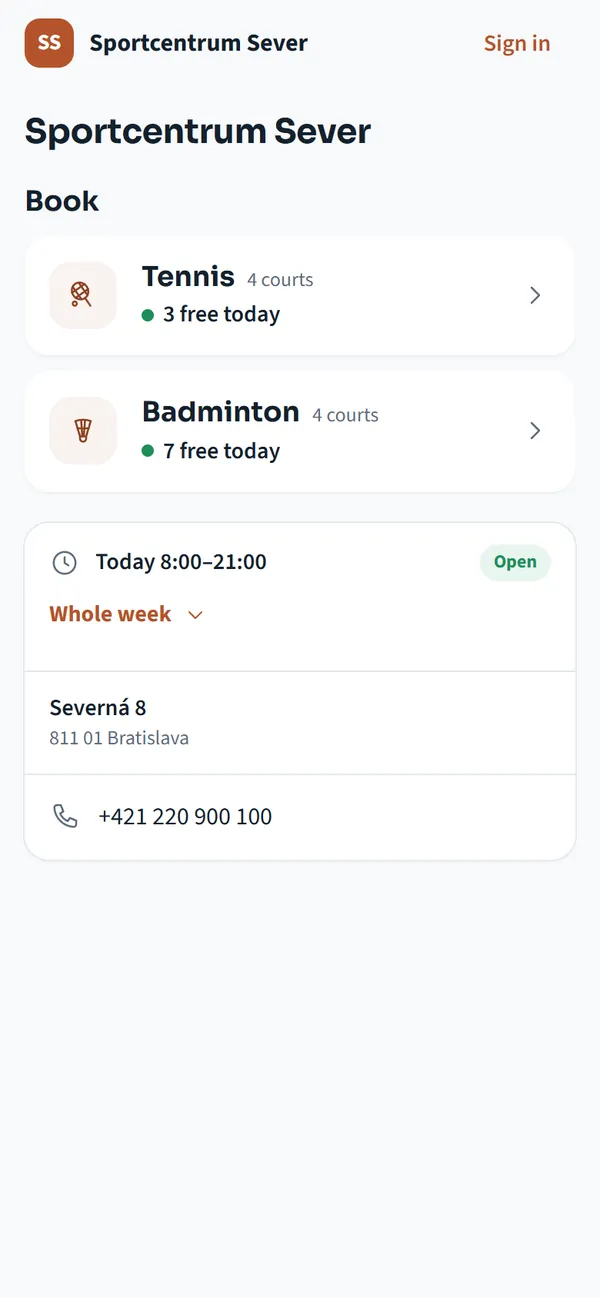
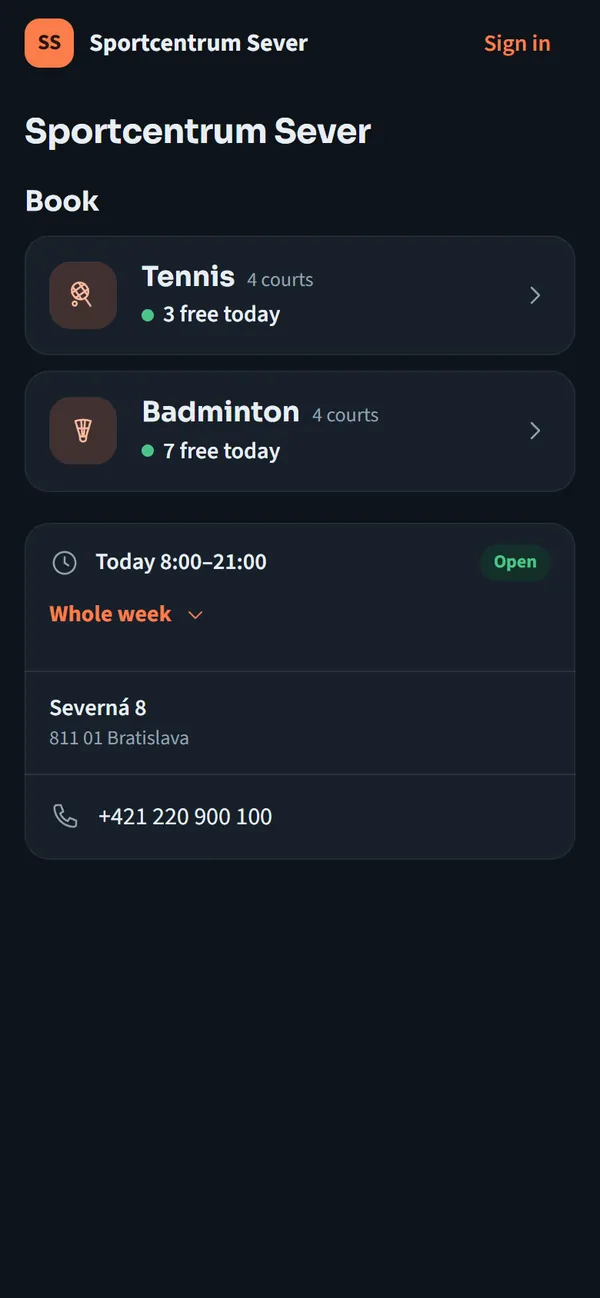
One demo centre in three looks. Colour, font and logo belong to the centre, and the system keeps them readable.

Yellow with the Outfit font

The demo centre is made up.
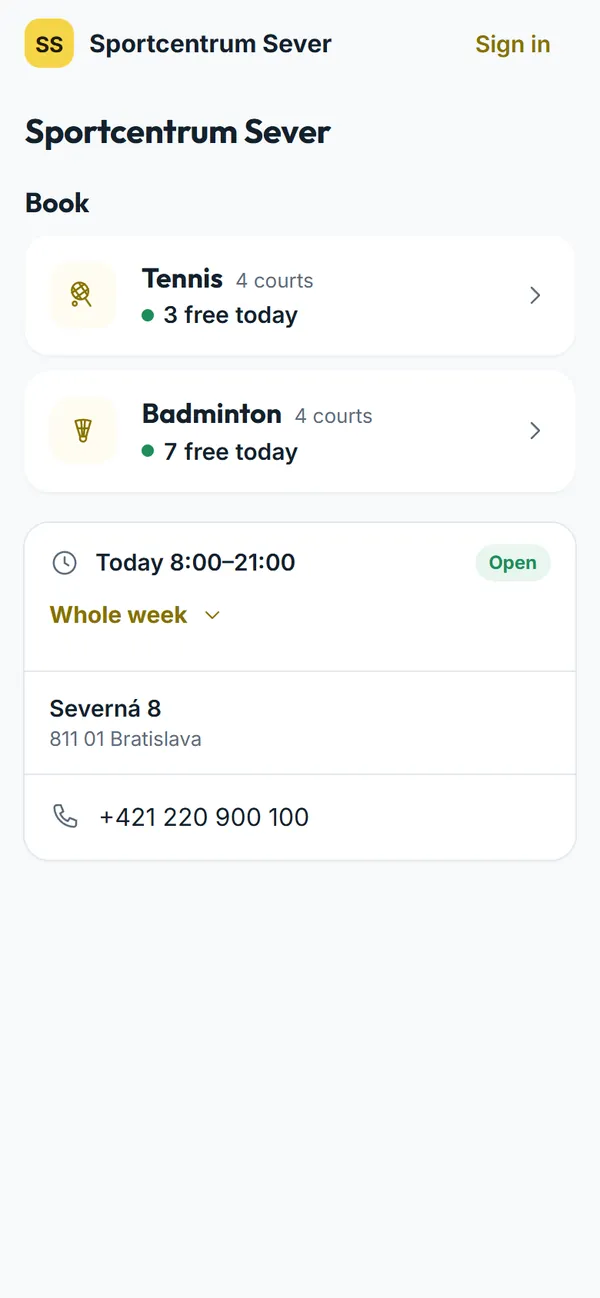
The home page of Sportcentrum Sever on a phone in yellow with the Outfit font: tennis and badminton with today's free times. The home page of Sportcentrum Sever on a phone in yellow with the Outfit font: tennis and badminton with today's free times.

Built primarily for Czech centres

  • Czech and EnglishThe interface and the e-mails, everyone picks their own.
  • CZK and EURThe centre's currency, prices including VAT.
  • Czech documentsReceipts and invoices with company ID, VAT ID and the VAT rate.
  • MultiSportCards as payment when booking, checked at reception, a monthly report.

Coming next

Not part of the system yet. These are planned.

  • Planned Day camps and kids' clubs Sign-ups for children, a deposit and the balance, attendance by day.
  • Planned An app in the App Store and Google Play A mobile app in the centre's own look.

Book a demo

We will walk through the system on a demo centre: booking and paying on a phone, reception and the settings. Write and say when suits you.

kontakt@bookthesport.com